Accessing Vertex
Vertex is available on browsers, macOS, and Windows.
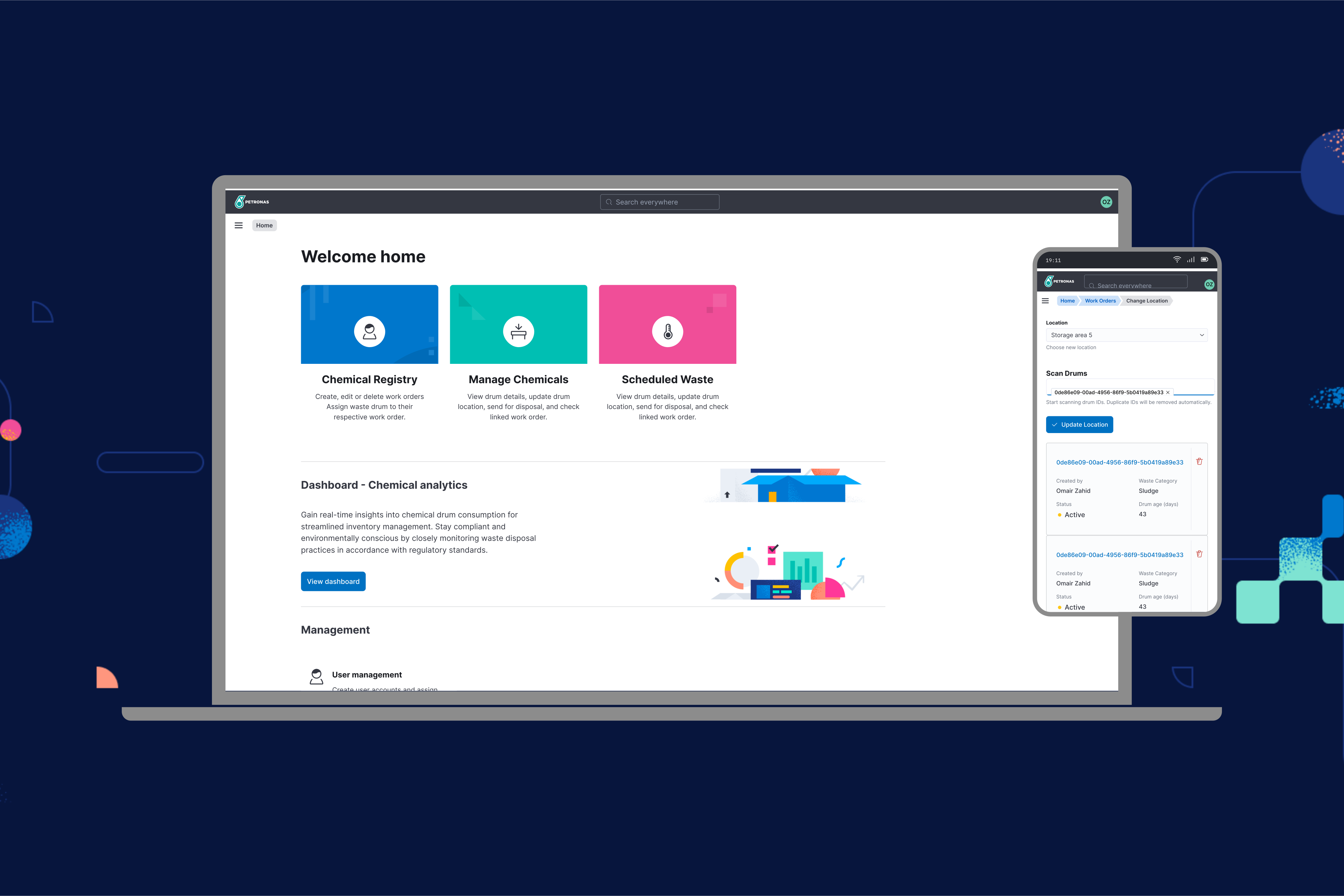
Overview
Vertex is available as a desktop application, from the browser, and on mobile or tablets as a PWA.
We recommend using our desktop clients for the best experience.
System Requirements
| Requirement | Desktop | Mobile |
|---|---|---|
| Operating System | Windows 10 macOS 10.14 or later. | Android V8.0 iOS V12.0 or later. |
| Web browser | Chrome Firefox Safari or Edge | Chrome Firefox Safari or Edge |
| Hardware | Minimum 4GB RAM 2 GHz processor | Minimum 2GB RAM. |
Desktop Clients
Vertex is available for macOS Intel, macOS Apple Silicon, and Windows.
The benefits of using the desktop app are:
- Notifications are integrated with the native OS.
- Vertex is always on and the dock quickly alerts you of unread notifications.
- Keyboard shortcuts have less risk of conflicting with browser-based presets or custom shortcuts.
Browsers
The Vertex web app can be access by logging in to vertex.com. Vertex will launch directly in your browser window.
Nearly all functionality in the desktop app is available on the web. Vertex should work on most evergreen browsers. We recommend Chrome or Safari and do our best to maintain support for other popular browsers such as Firefox and Brave.
Mobile
Use Vertex on your mobile or tablet devices with our Progressive Web App (PWA). Go to vertex.com to sign in.
Save to home screen
Add a shortcut to the website to your mobile phone or tablet's home screen to access Vertex faster on the go.
Open Vertex in Chrome, tap the menu icon,
then select the Add to Homescreen action.
User and region
Vertex is designed to be scalable based on users requirement. The system can be deployed to multiple region/locations with unlimited number of users per region.
Addition of new region or usercan be done by email request to the following address:
info@magnuscode.comFAQ
Do you support Linux?
We may in the future but it's not on the roadmap for now. Linux users can use Vertex on one of our supported browsers.
Will you build a mobile app?
Yes, we're currently planning native iOS and Android apps. These will be developed and rolled out once there is a significant use case for it.
My app is stuck in offline mode.
Being stuck in offline mode may relate to a known Chromium bug. Please toggle your wifi off and on again from your computer's menubar.