passwords
Manage your account credentials
Overview
Vertex allows user to change a known password. You can also change your password in case you have forgotten it.
Update password
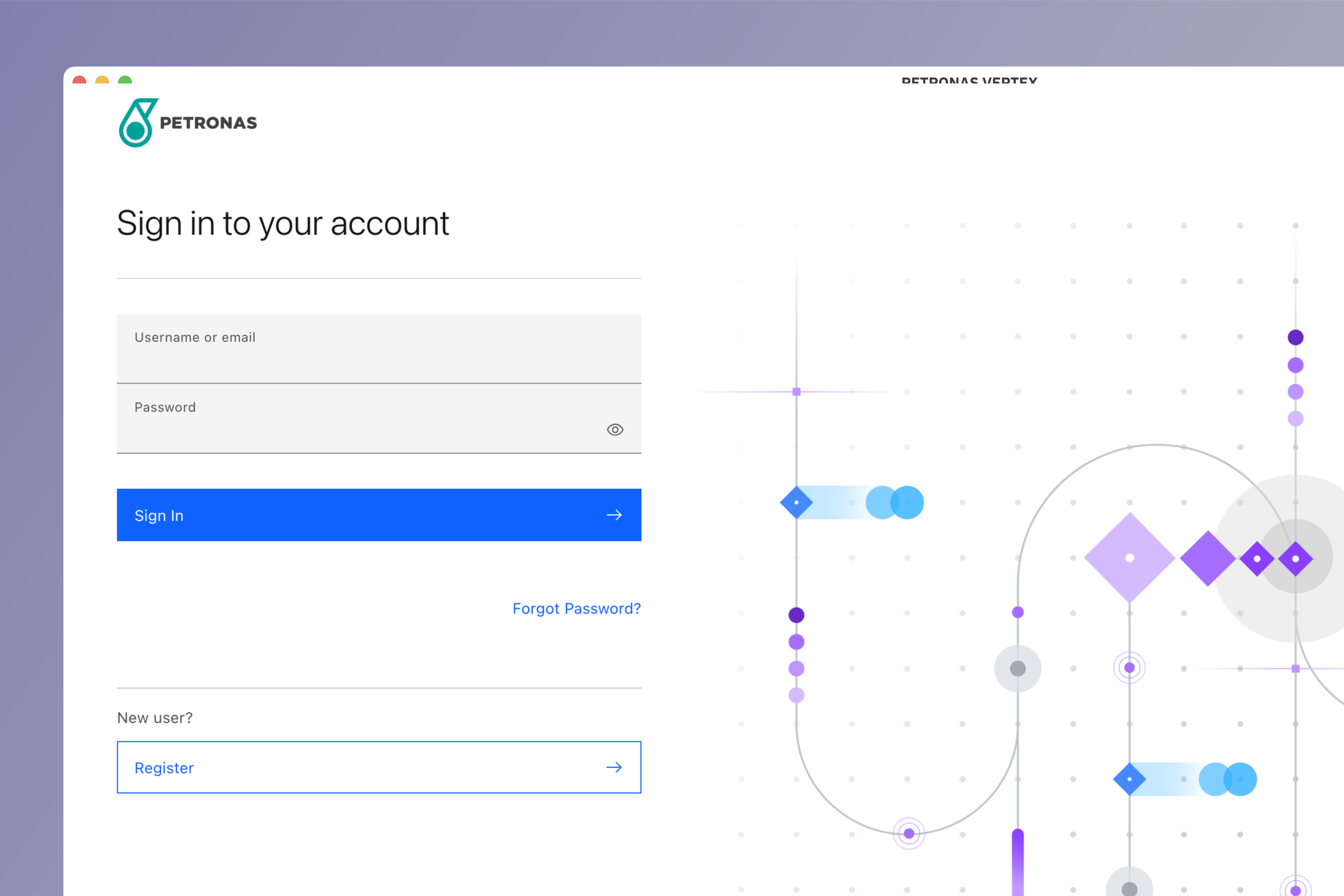
Login to Vertex
Login to Vertex using your credentials.
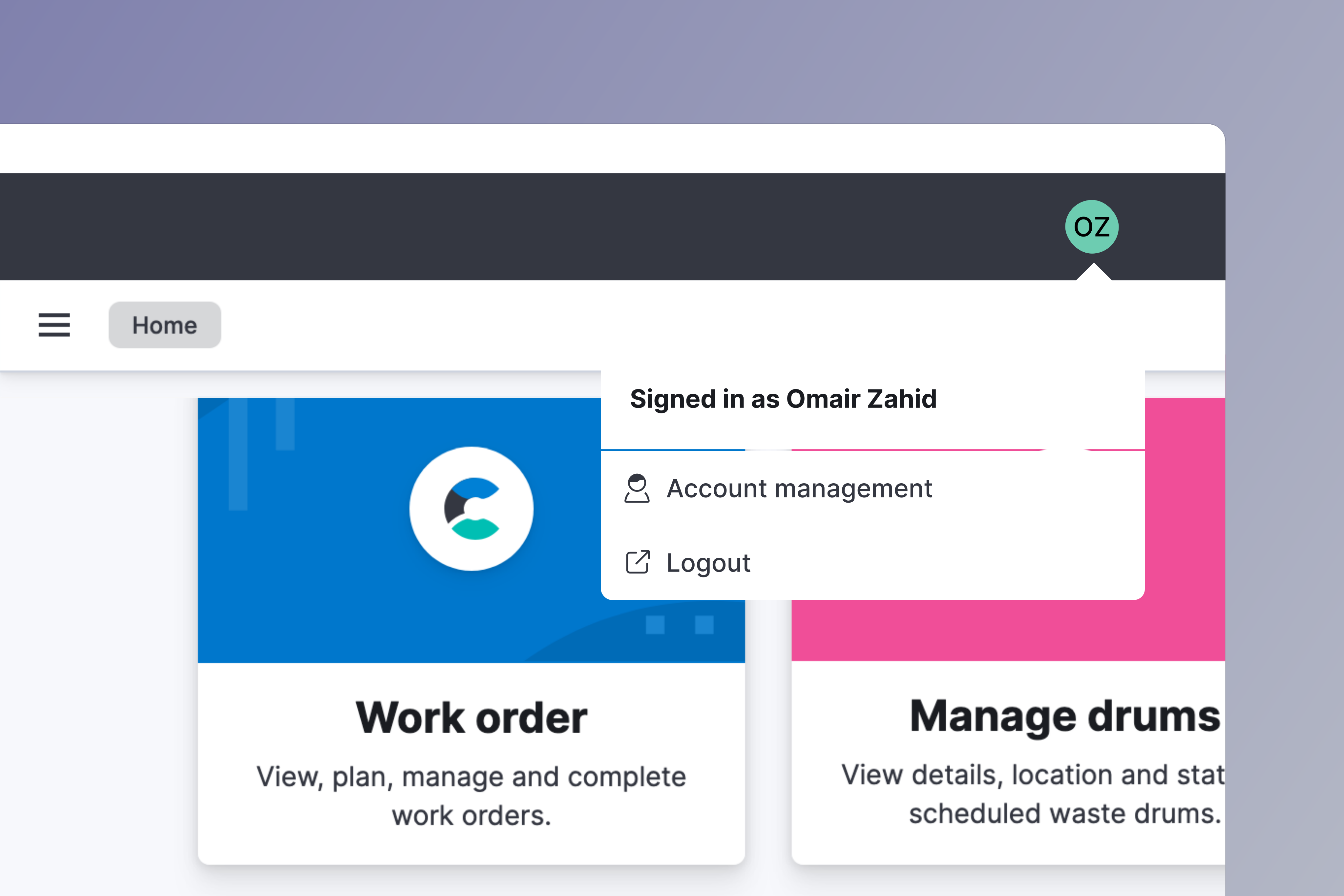
Go to account management
Click on your avatar on the top right side of your screen. Choose Account management from the menu.
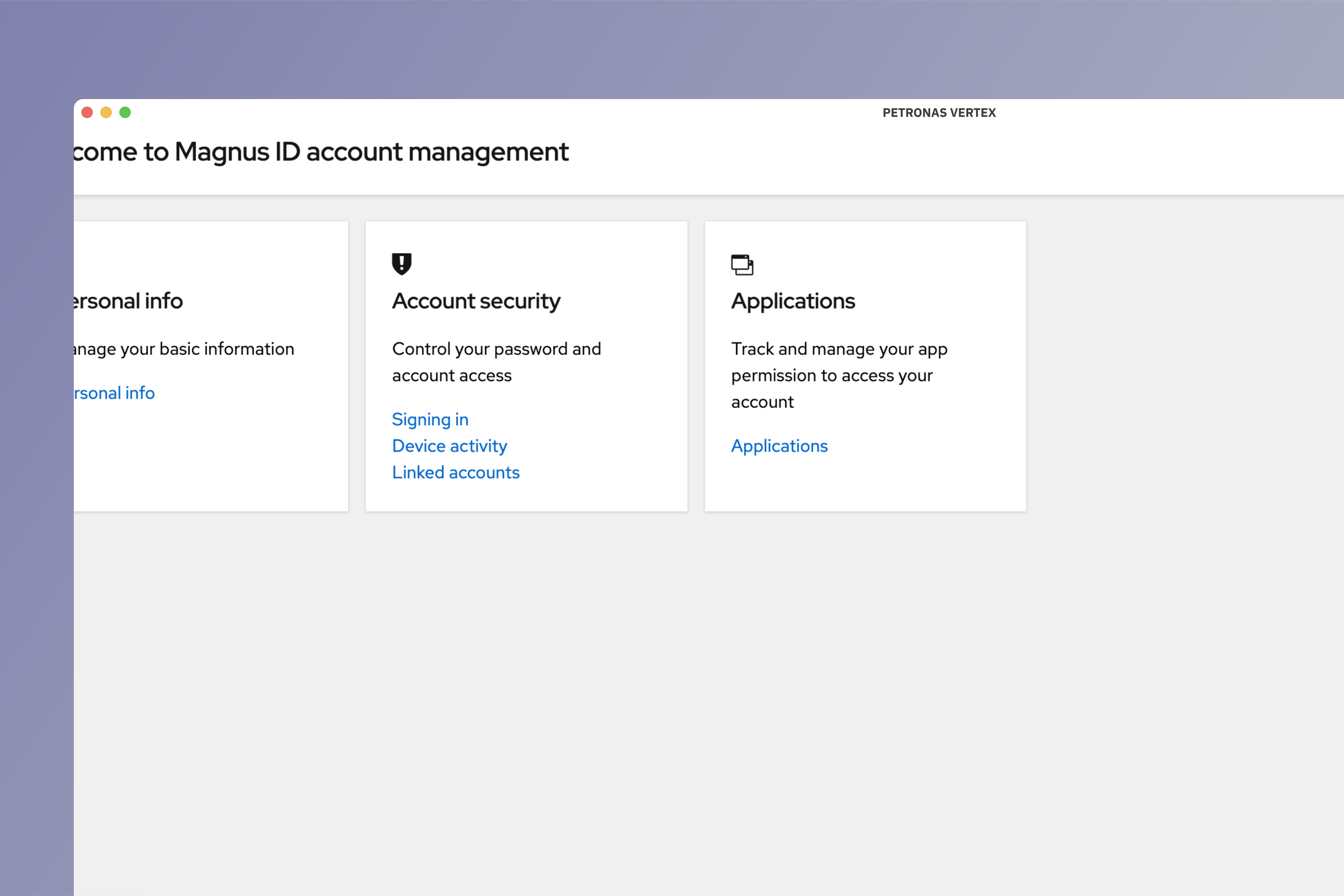
Go to signing in section
Under Account security click on Signing in.
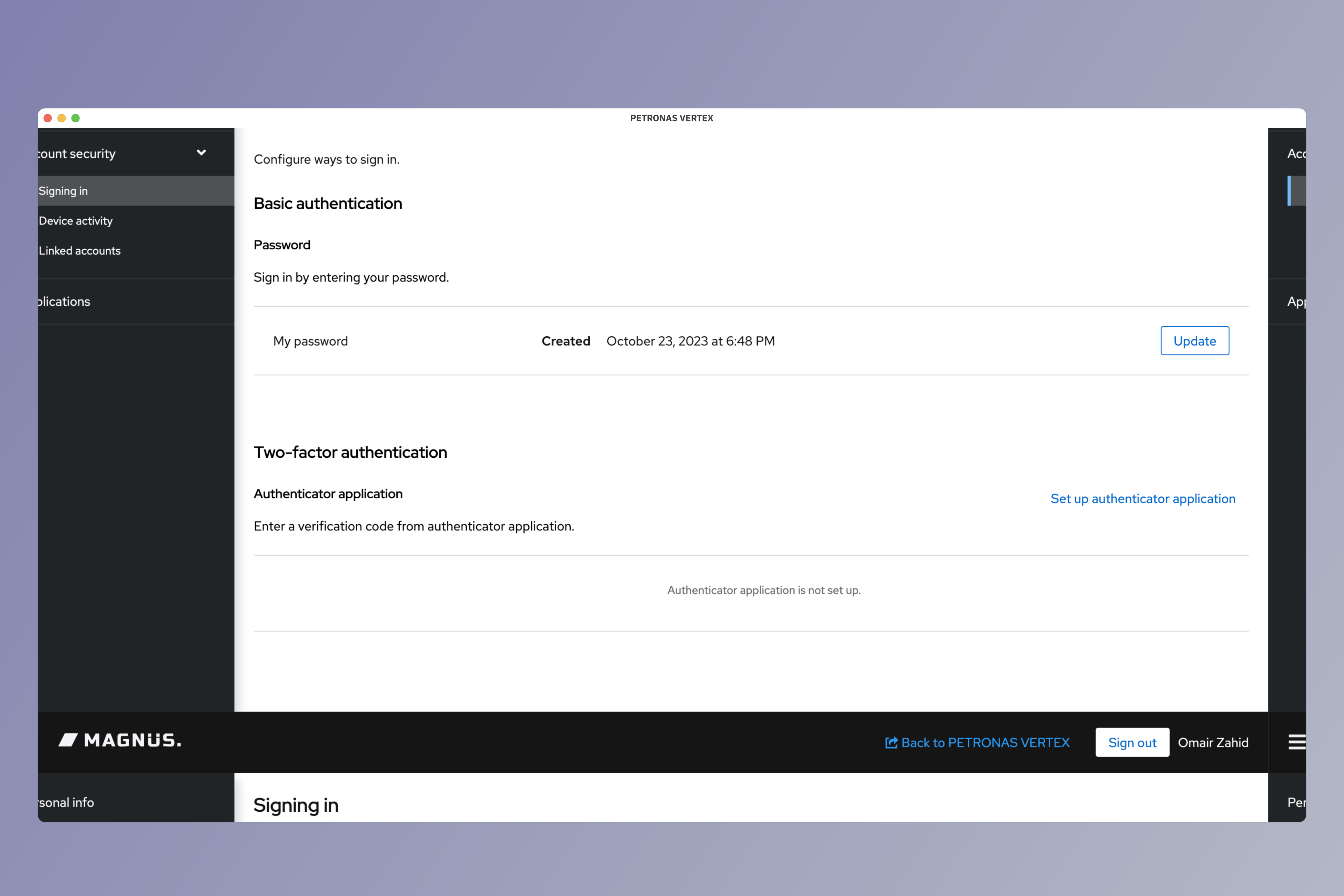
Update password
Click on Update button to start updating your password.
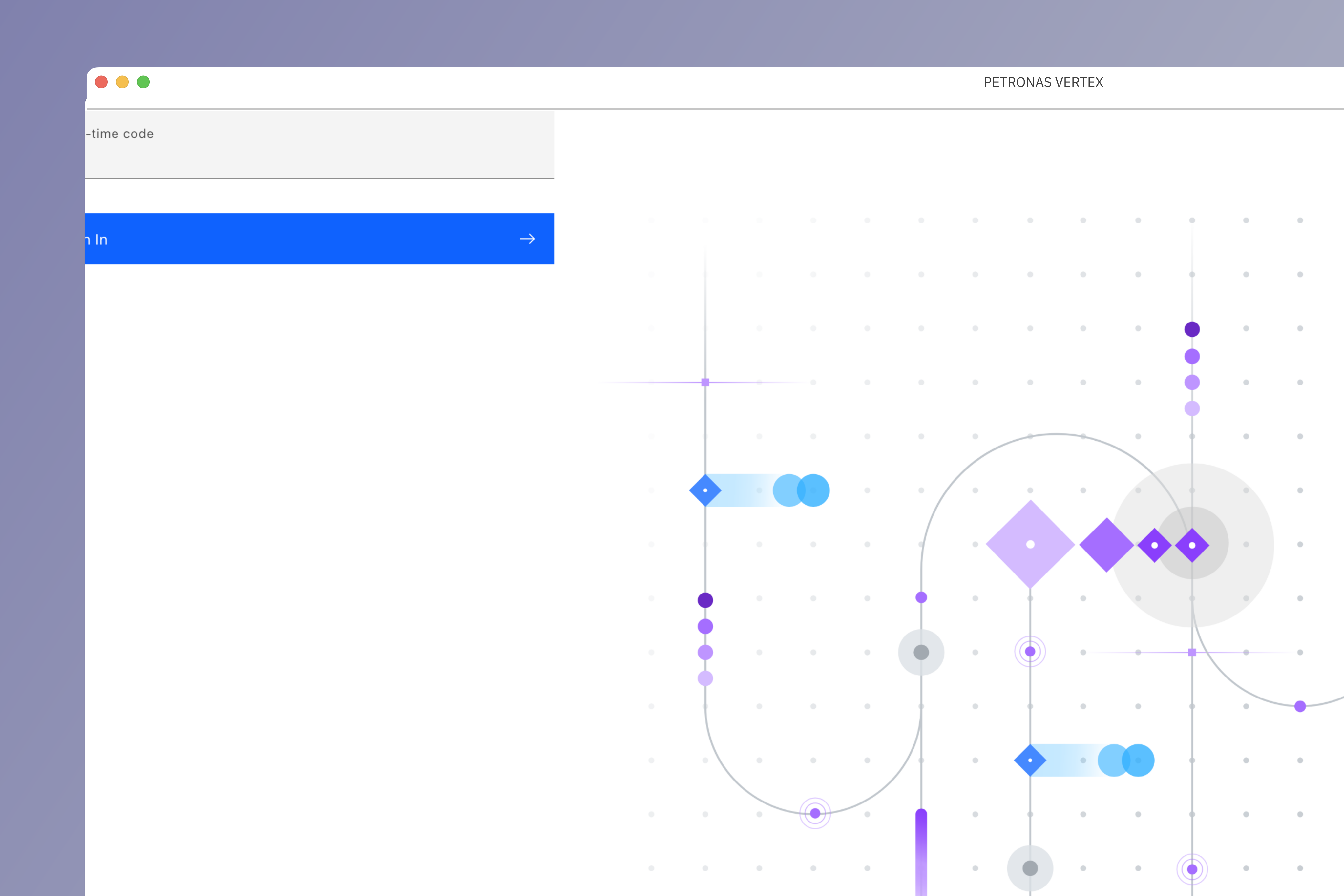
One time password
If two-factor authenticatin is enabled, you will be asked to enter OTP from your registered authenticator application.
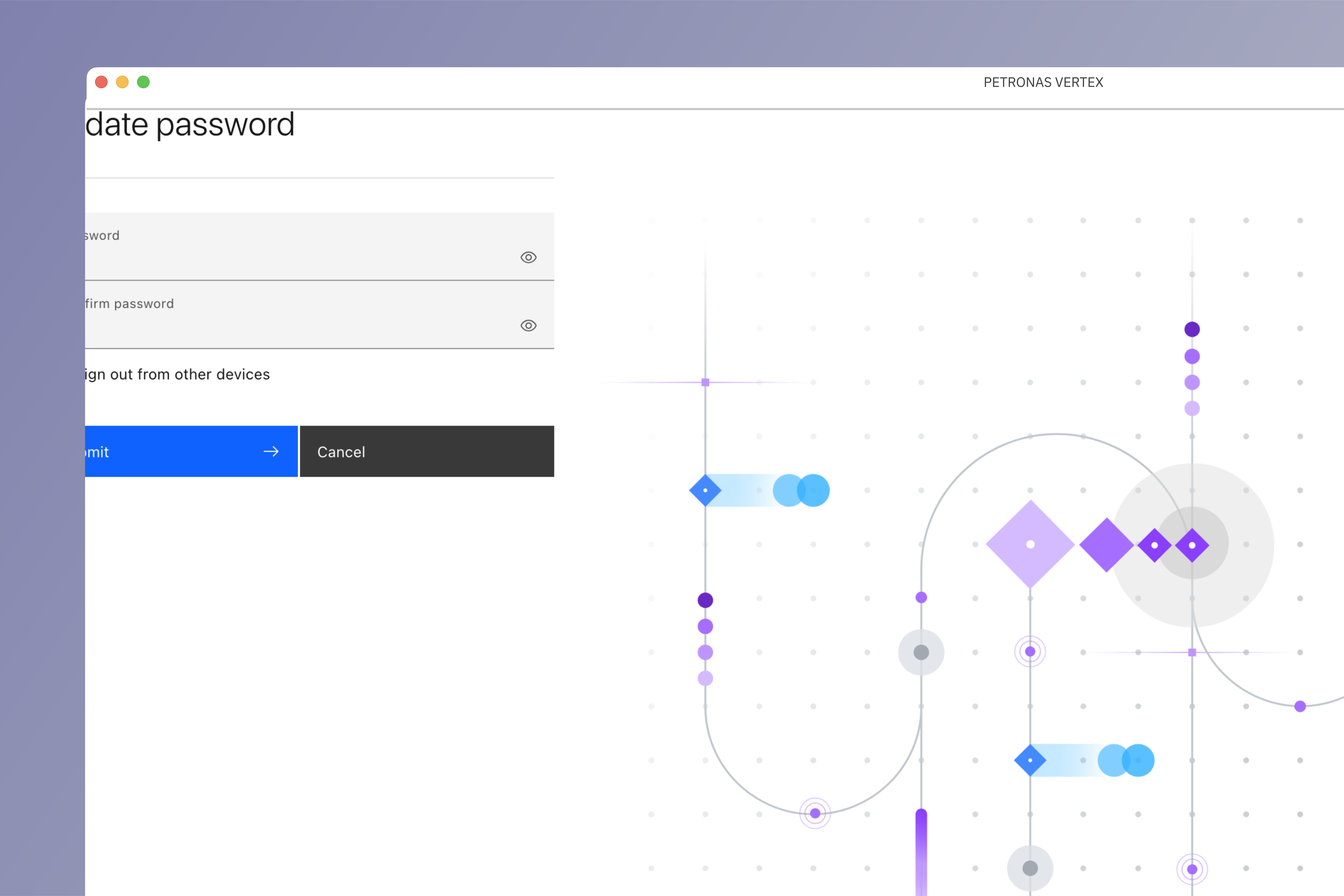
Select new password
Enter new password and click Submit.
Forgot password?
Access Vertex
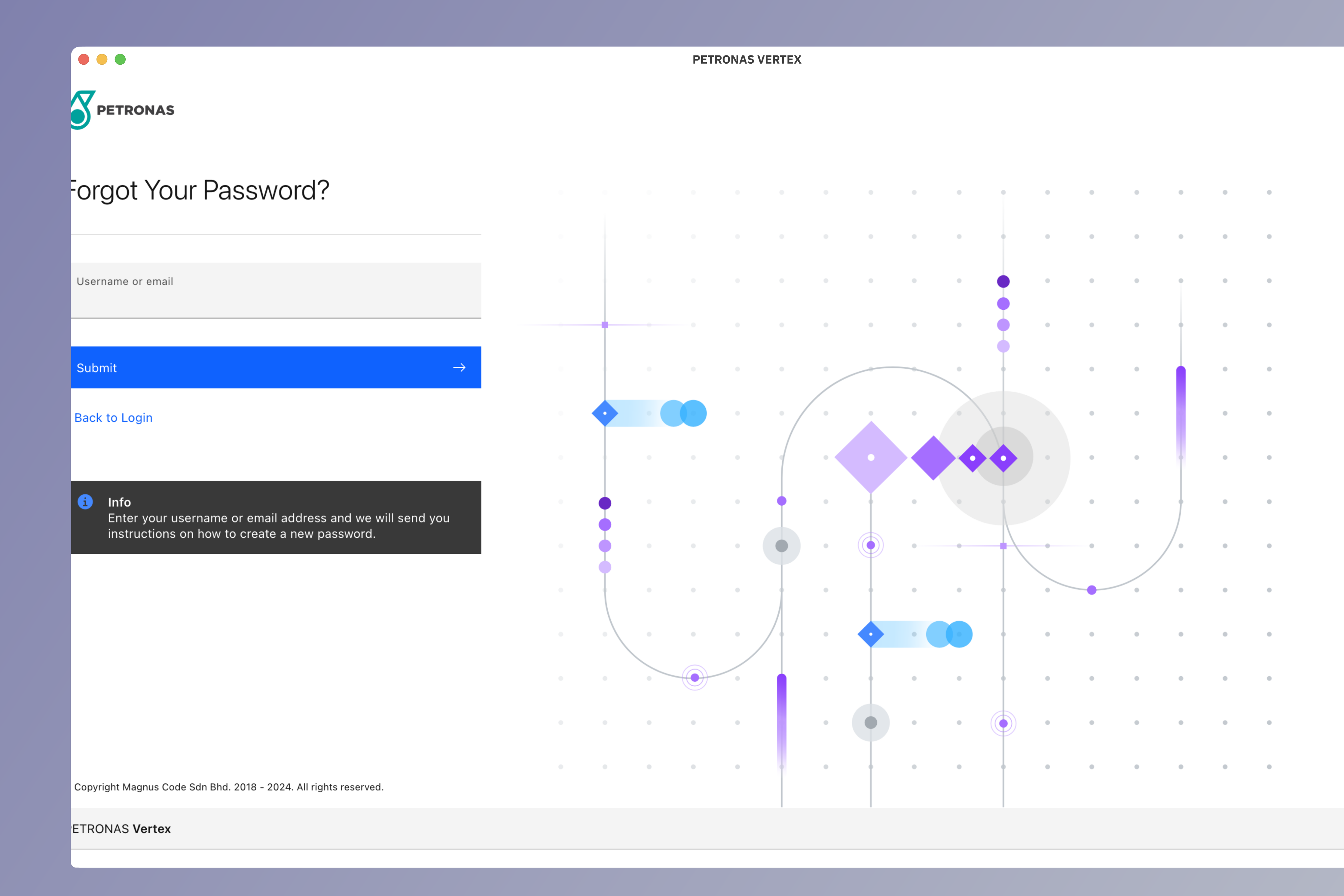
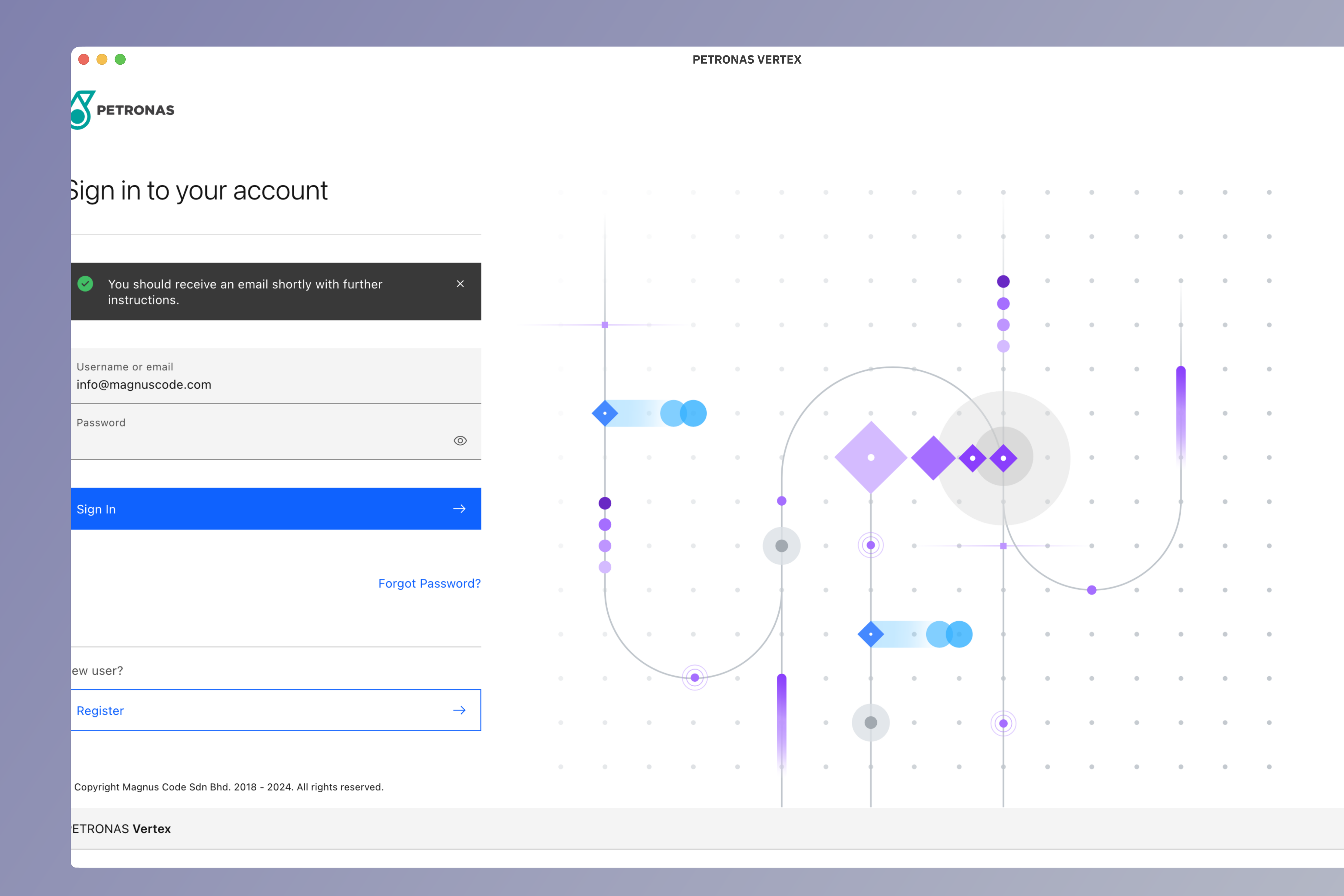
Access Vertex application at vertex.petronas.magnuscode.com and click on Forgot password?.
Enter identifier
Enter username or email associated with your account. Click Submit to confirm.
Reset password
You will receive an email with link to reset your password.
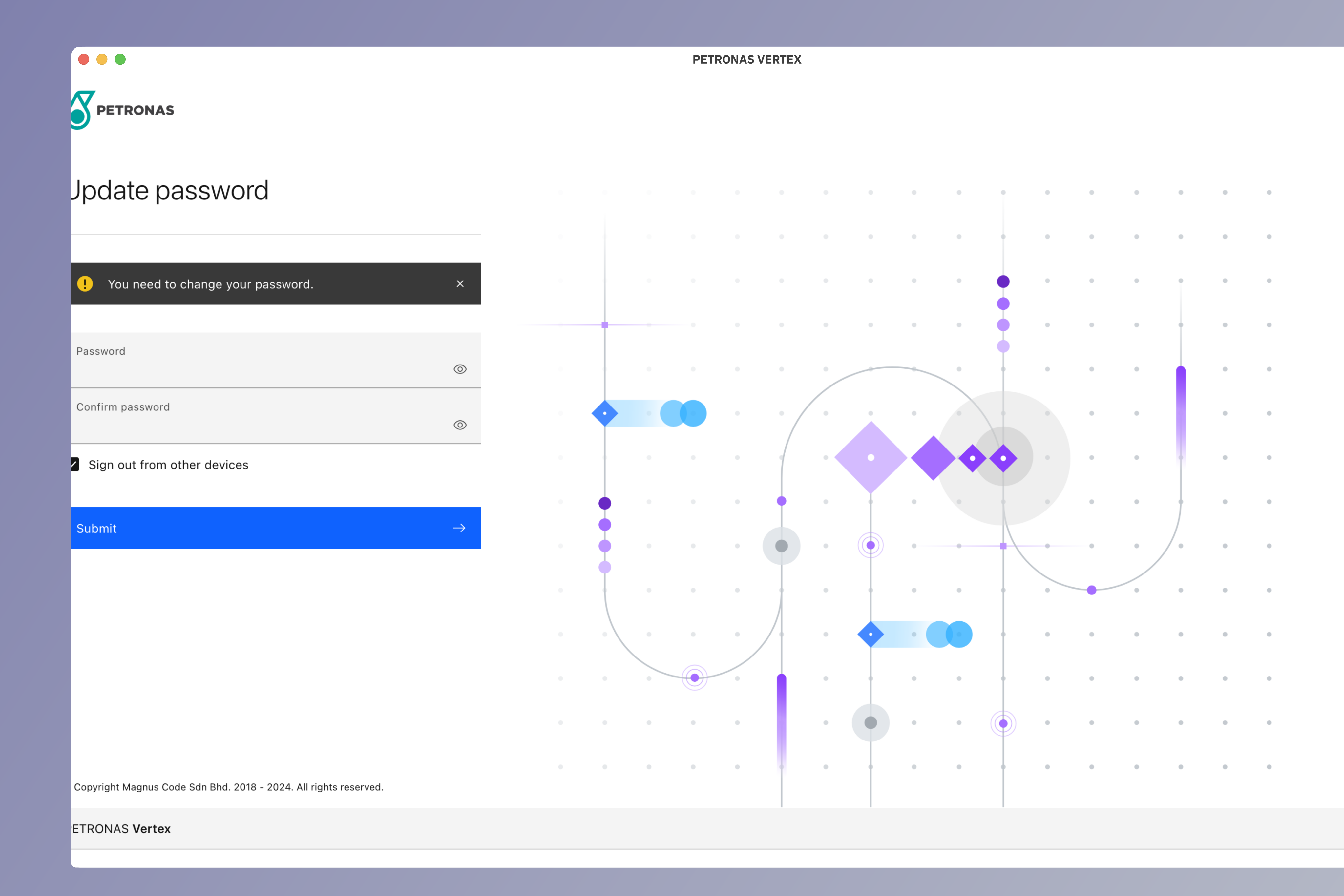
Update password
You will be redirected to update password page. Enter new password and click Submit to confirm.