Relocate Waste
Update location of waste in real time.
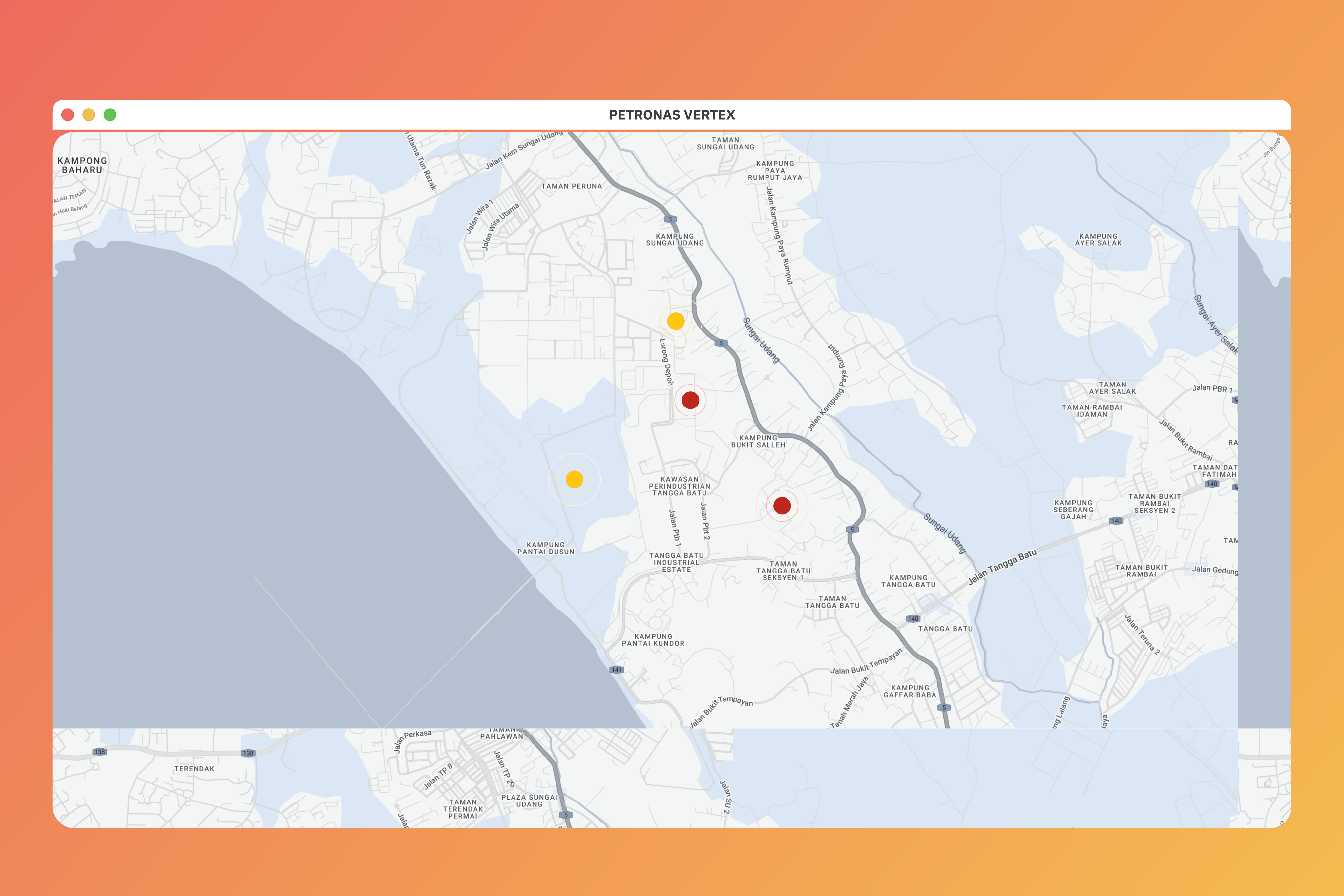
Overview
When scheduled wastes are generated, they will be automatically assigned with their work order location.
The drums will be moved within the facility to ensure proper storage. The tracking of these movement will be done
through the Change location section.
Drums are only scanned once they are at their new location.
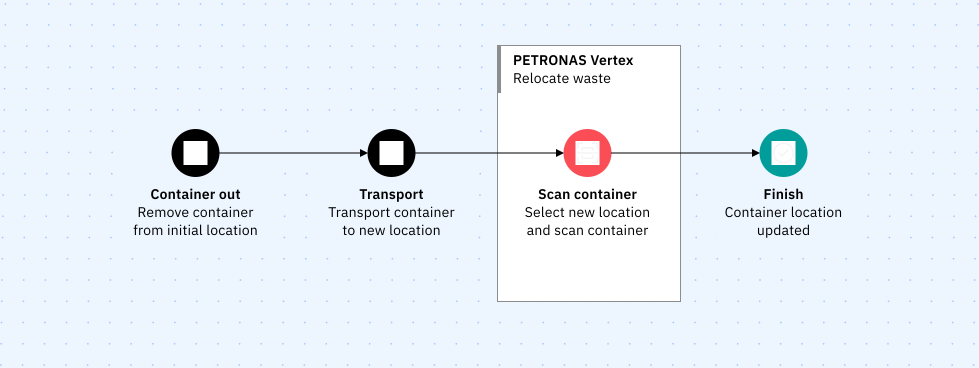
Relocating waste
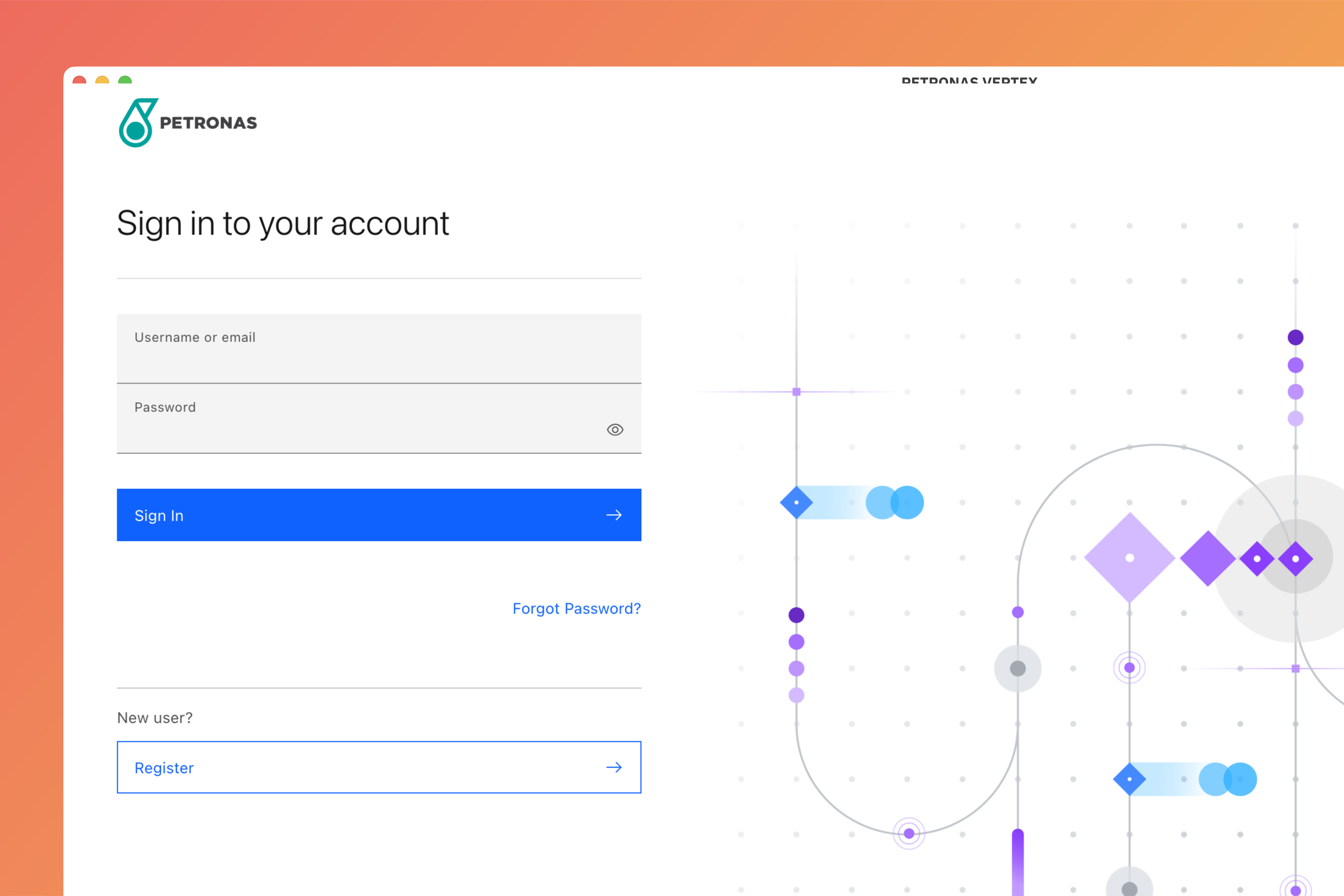
Login to Vertex
Login to Vertex using your credentials.
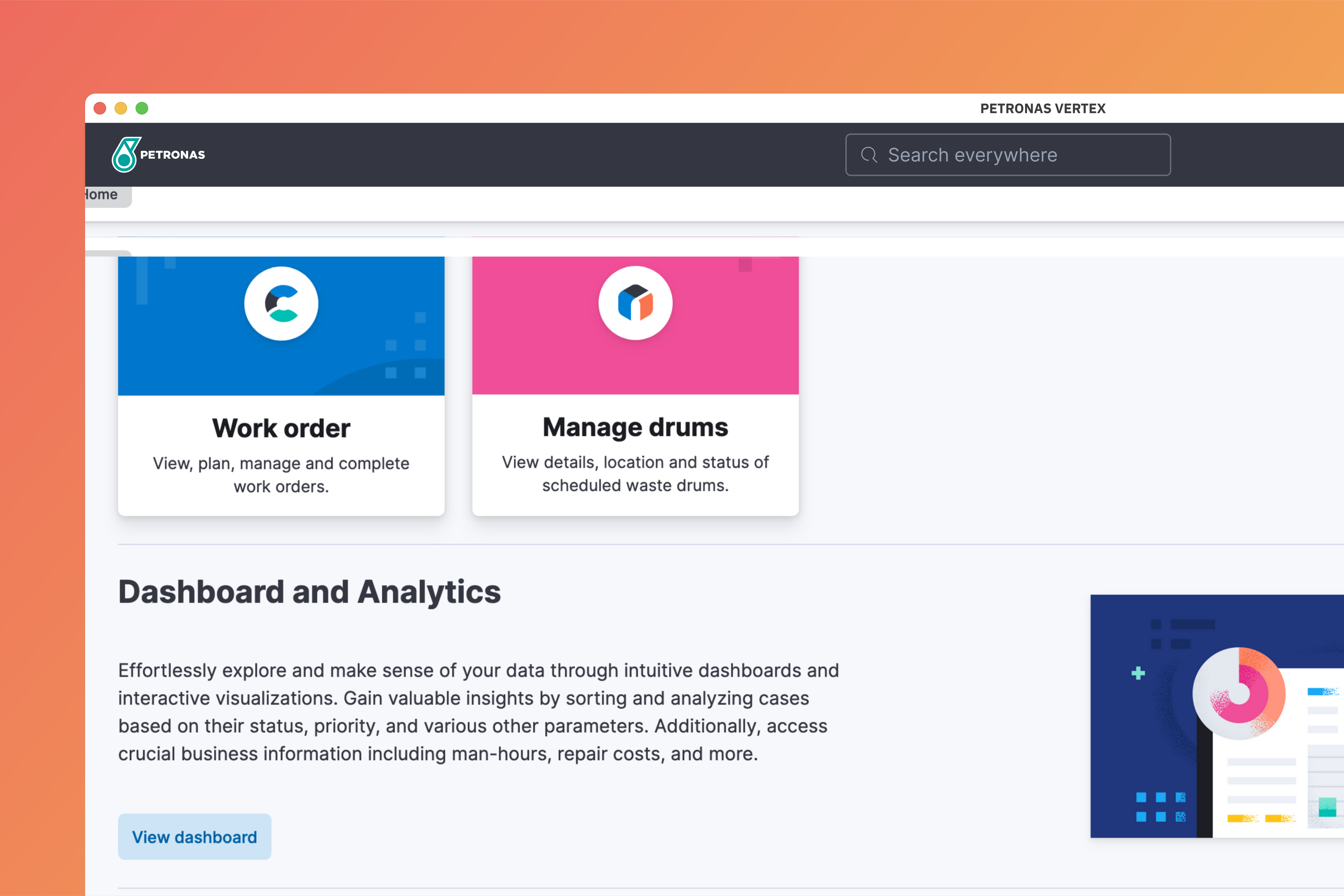
Go to Manage Drums
At the home page, select Manage Drums.
Update location
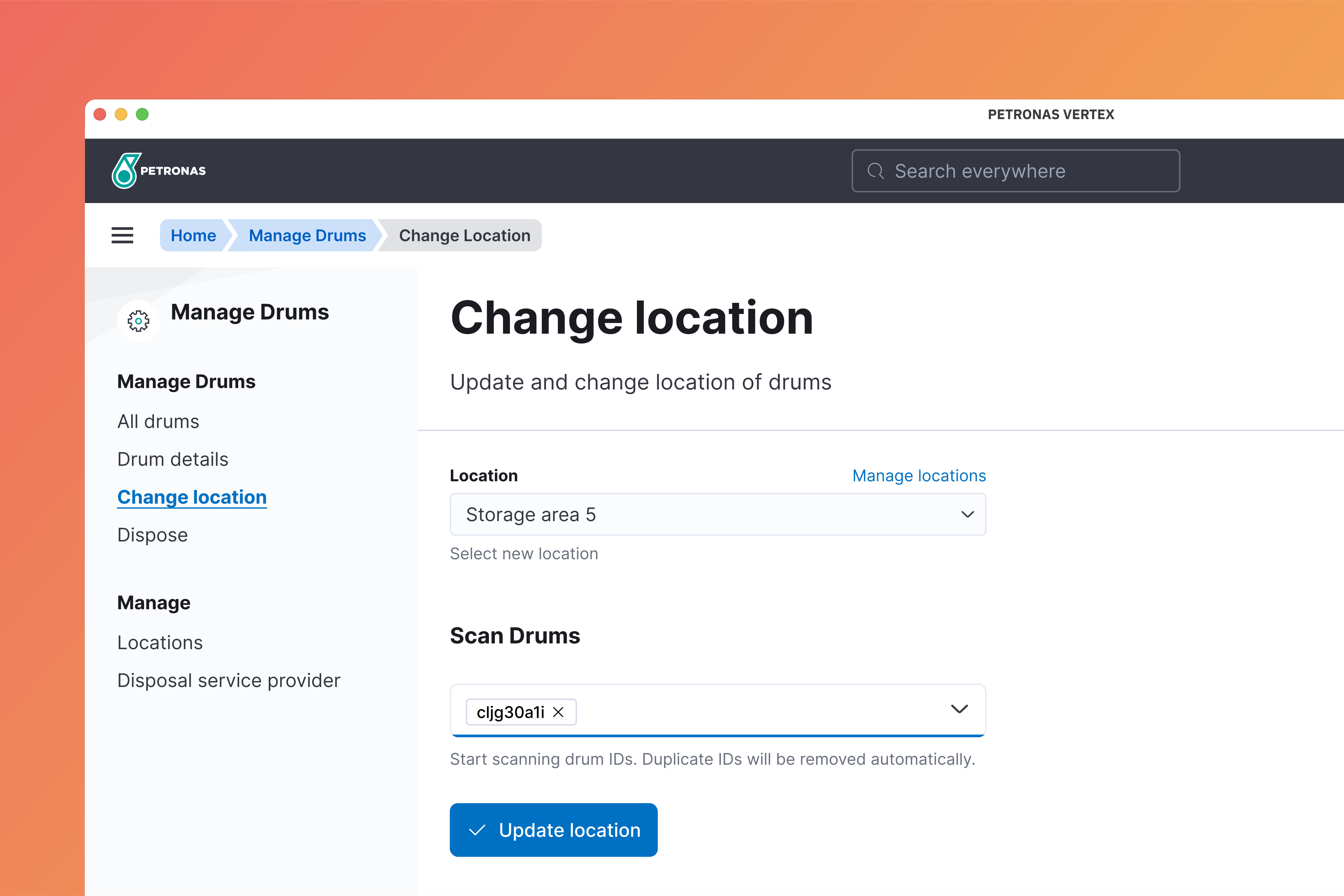
Click change location on the side navigation. Select new location from the dropdown menu and scan drums that are relocated.
Click Update location to confirm.
⚠️
The drums should be physically moved to the new location before updating their location in Vertex.