Register Waste
Register and link waste to work order.
Overview
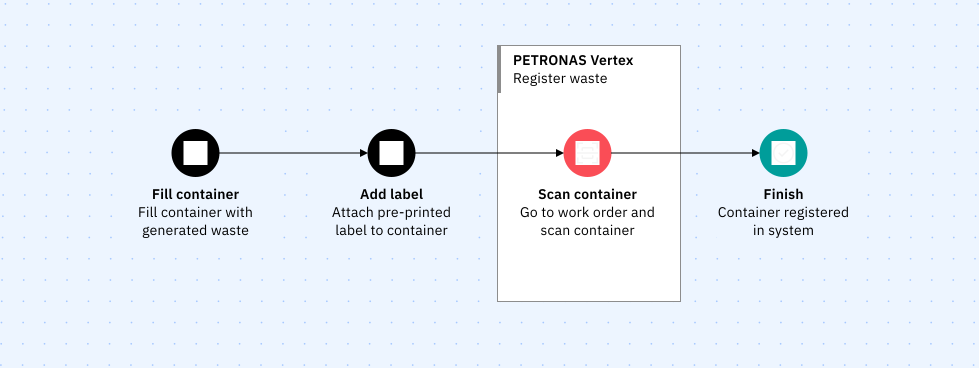
All scheduled waste that are generated will be linked to a work order to keep track of their origin. Once the container are filled with waste, a label which contains unique ID will be attached to it.
The ID is shown as both barcode and QR code on the label for redundancy purpose. By scanning the label, the drum together with its details such as SW code and generation date will be automatically linked to the work order.
Containers are scanned once they are filled up an labelled.
Registering waste
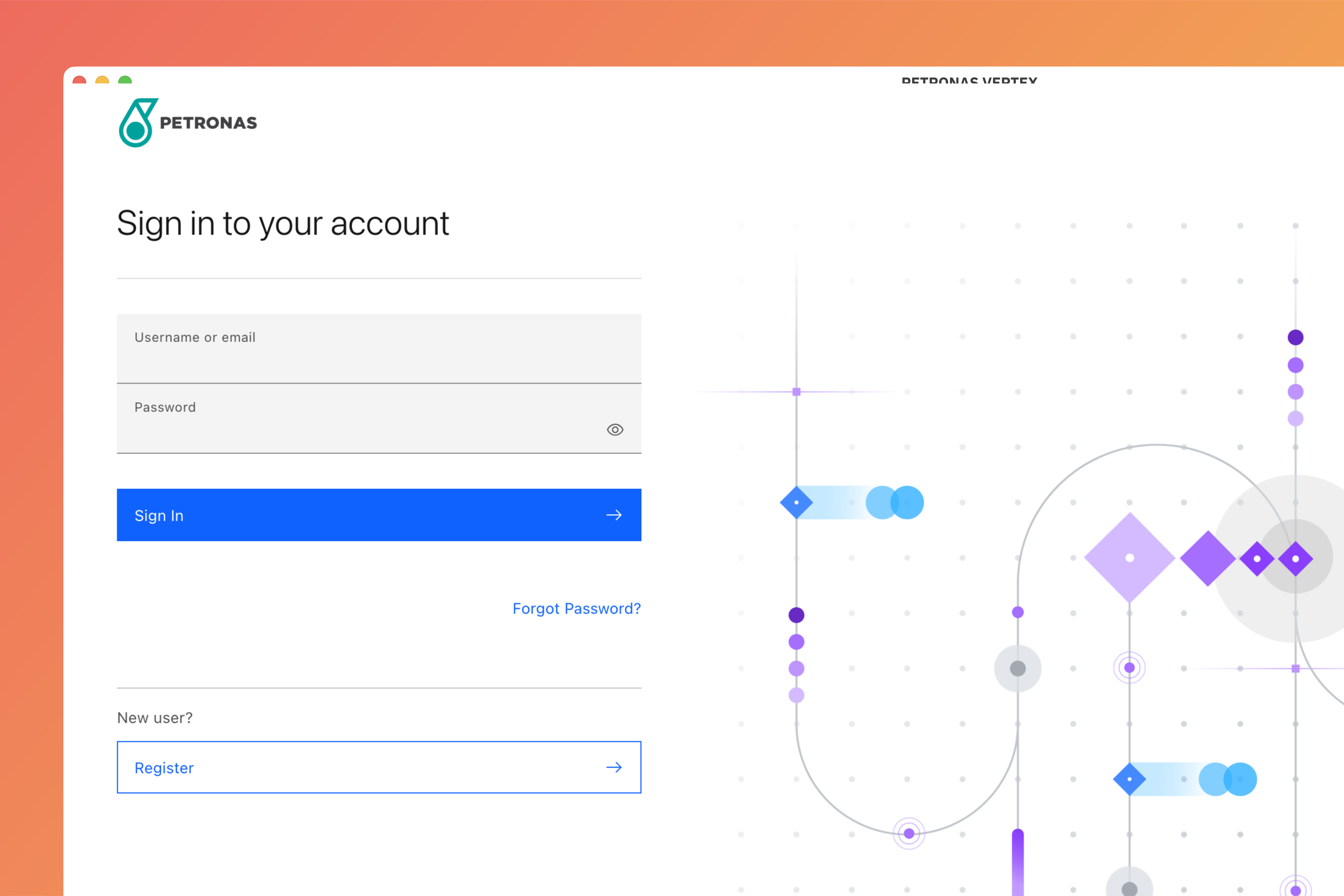
Login to Vertex
Login to Vertex using your credentials.
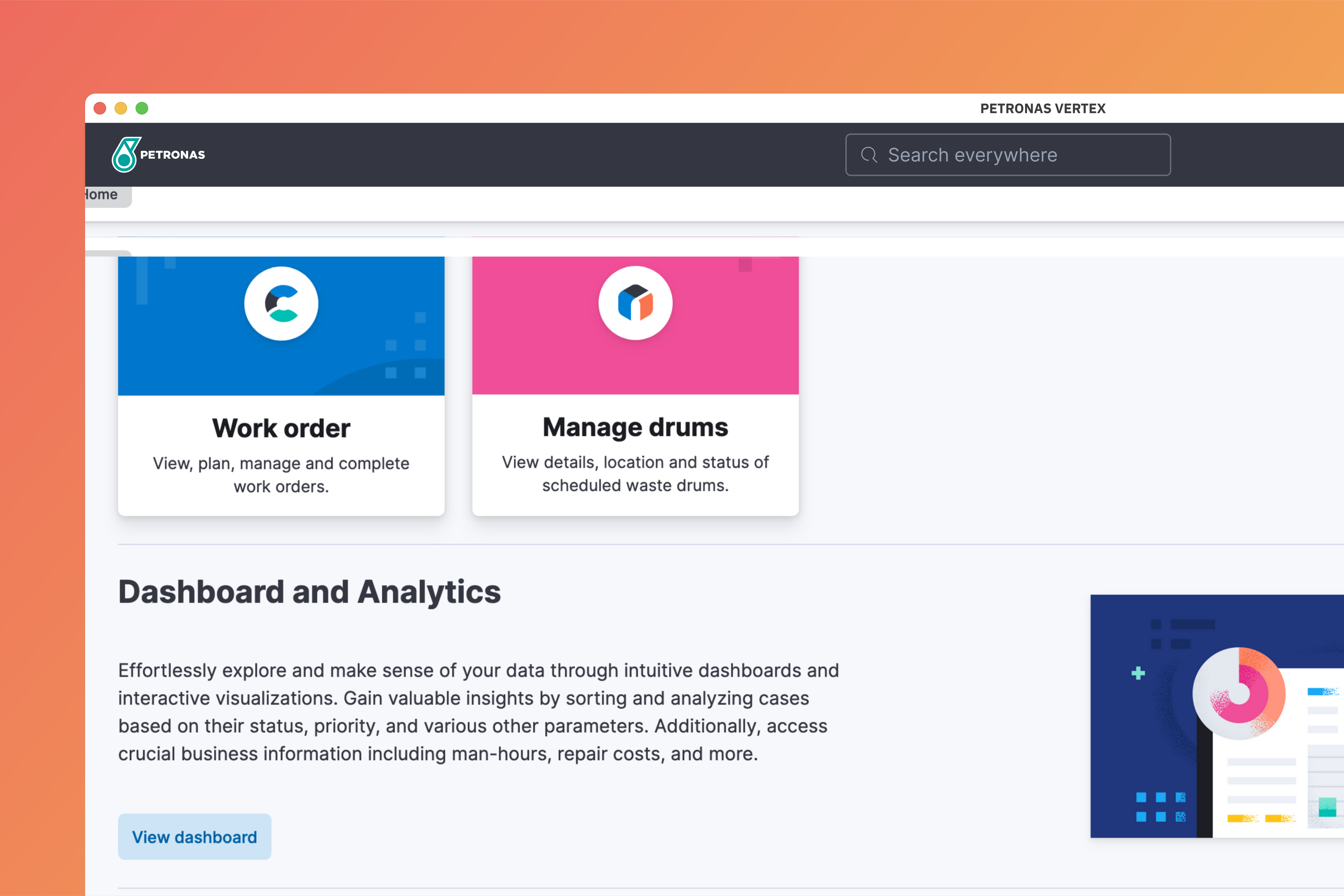
Go to work order module
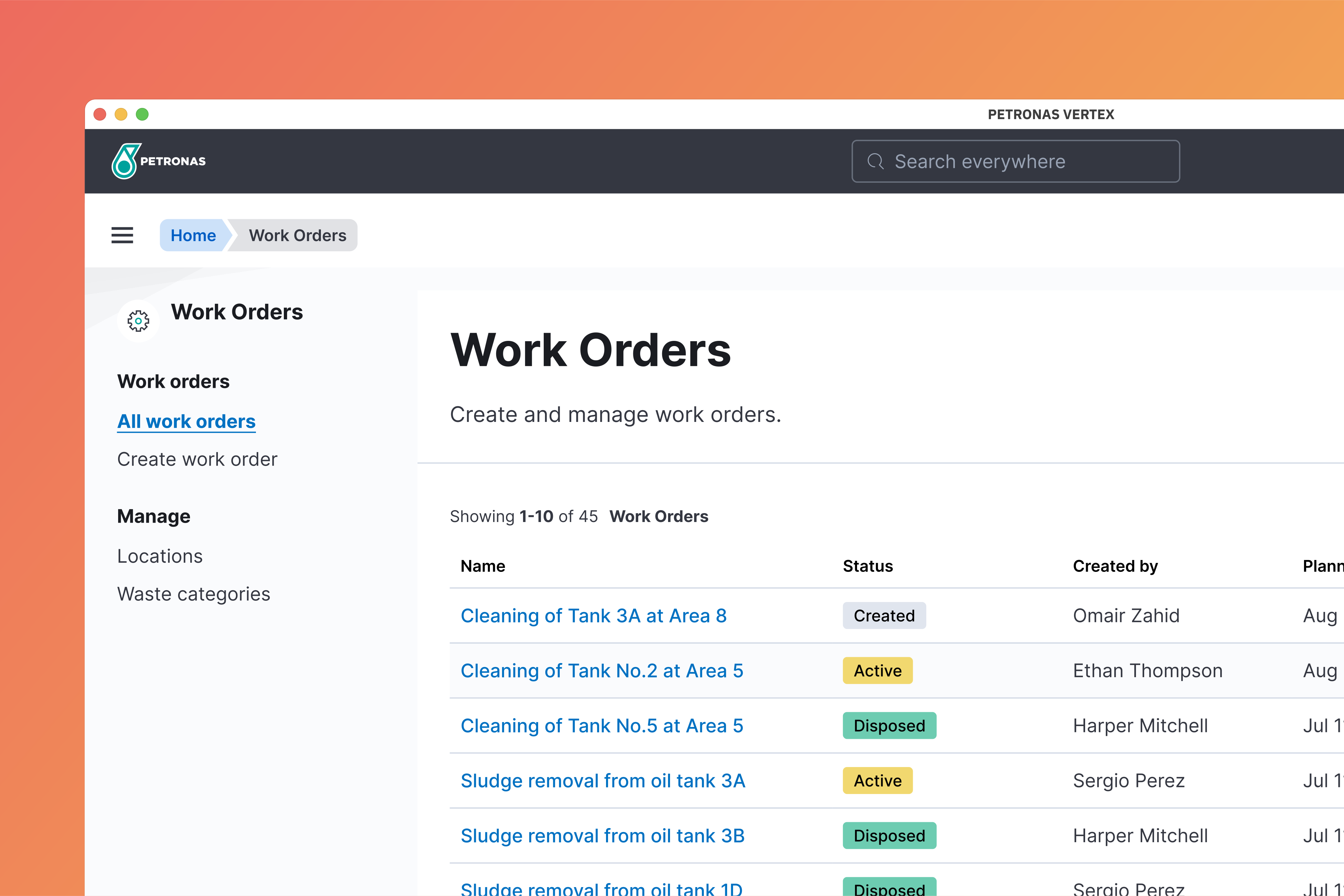
At the home page, select Work order.
Select work order
Click on the work order that you would like to register the scheduled waste onto.
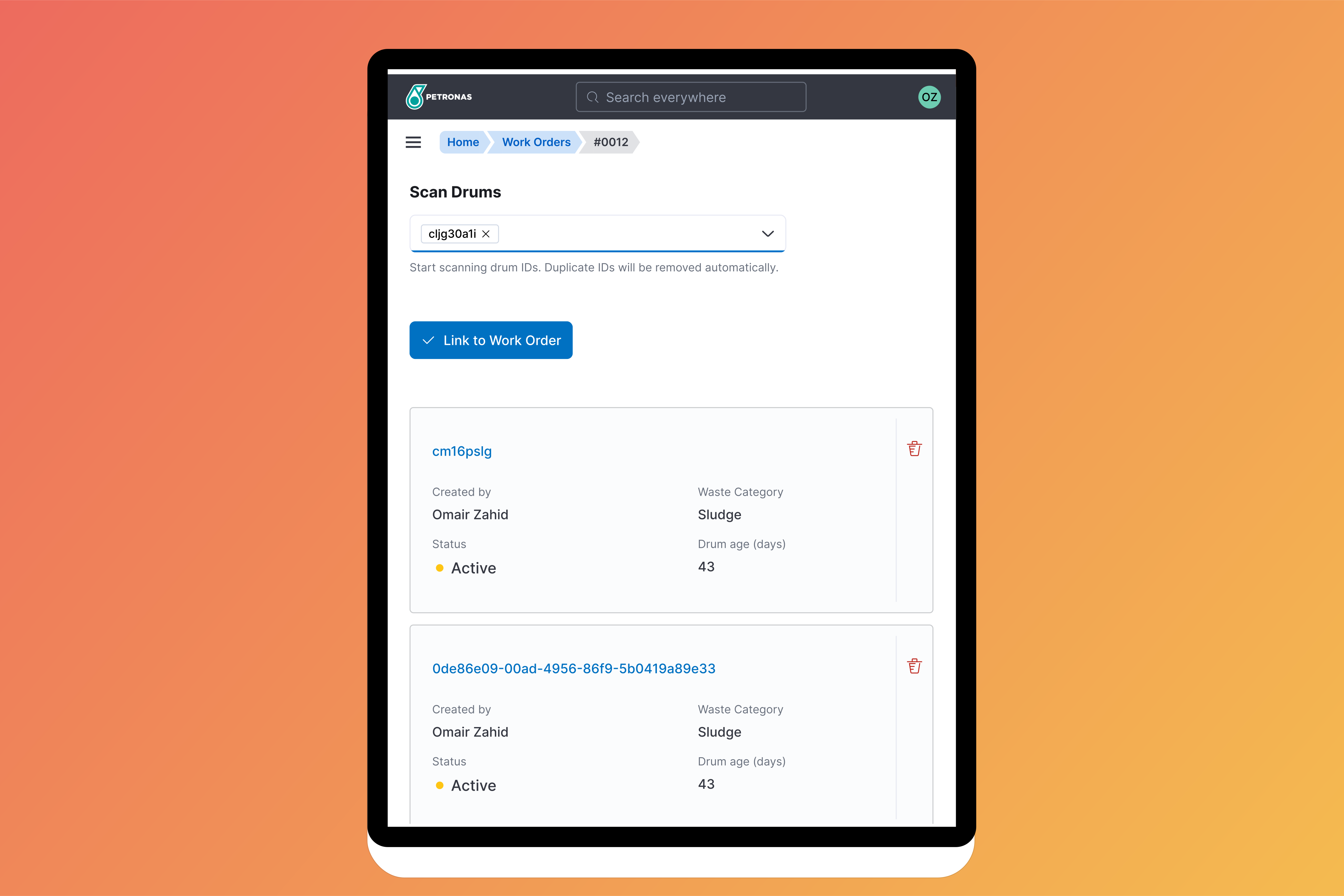
Scan waste drums
Under the drums tab, click inside the scan drum field. Scan all waste drums and click Link to work order to register.
A list of scheduled waste drums will appear at the bottom half of the page.
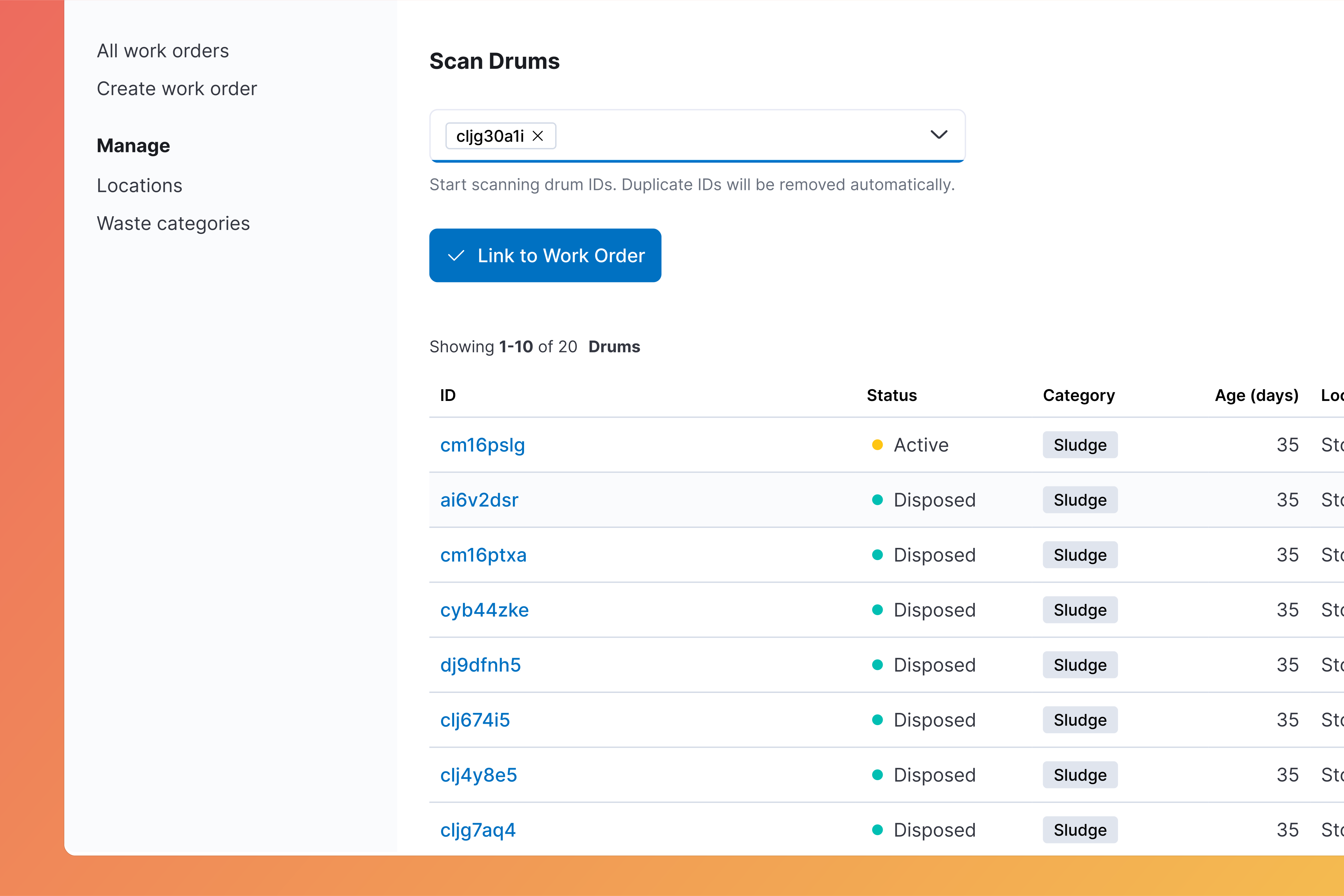
Drum details such as category, age, location and status will be automatically generated.