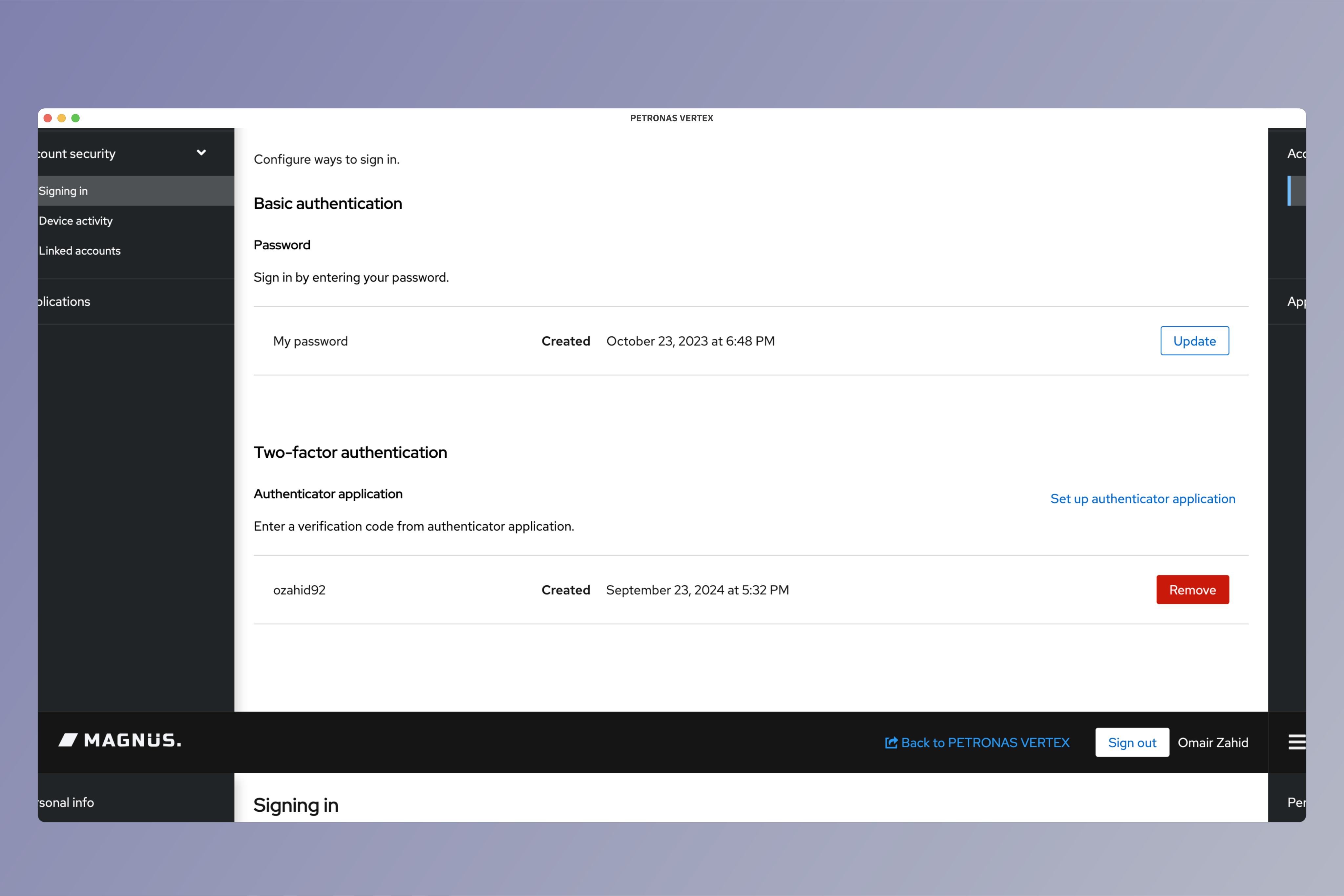
Two Factor Authentication
Setup your two factor authentication.

Overview
Two factor authentication is another method of securing your application and your users' identities. It adds a layer of security during login that requires users to provide more than one credential to prove their digital identity.
Setting Up Authenticator Application
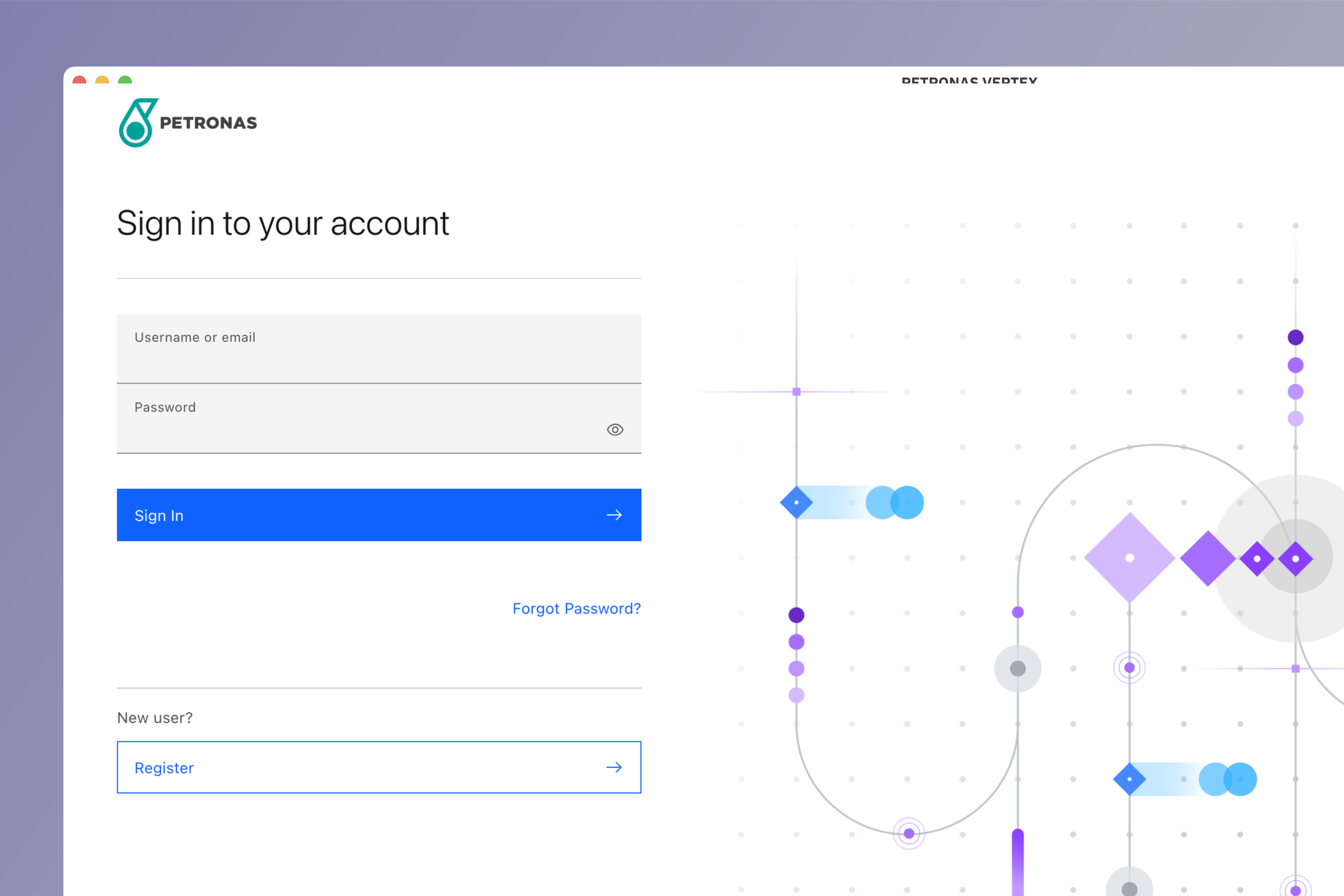
Login to Vertex
Login to Vertex using your credentials.
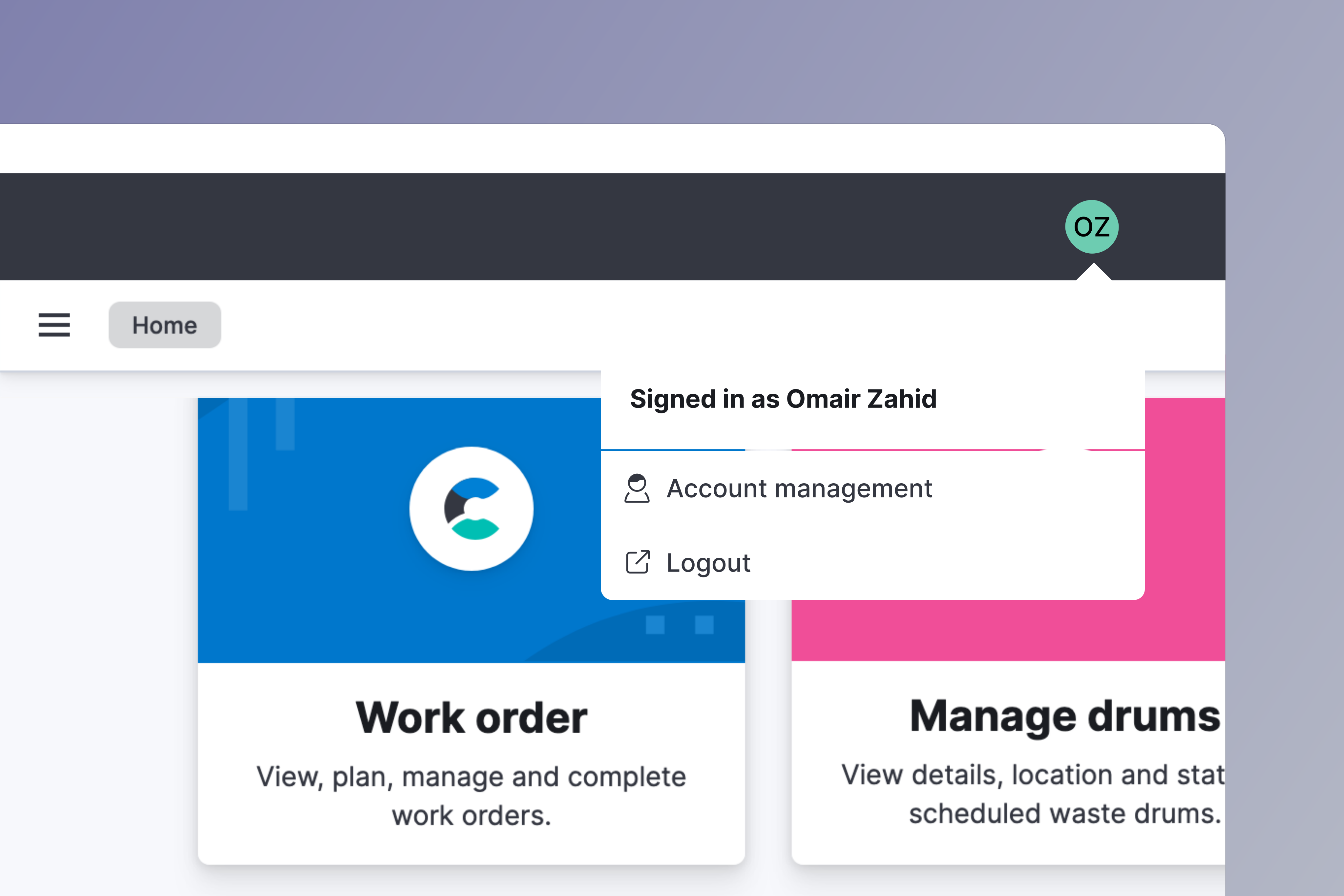
Go to account management
Click on your avatar on the top right side of your screen. Choose Account management from the menu.
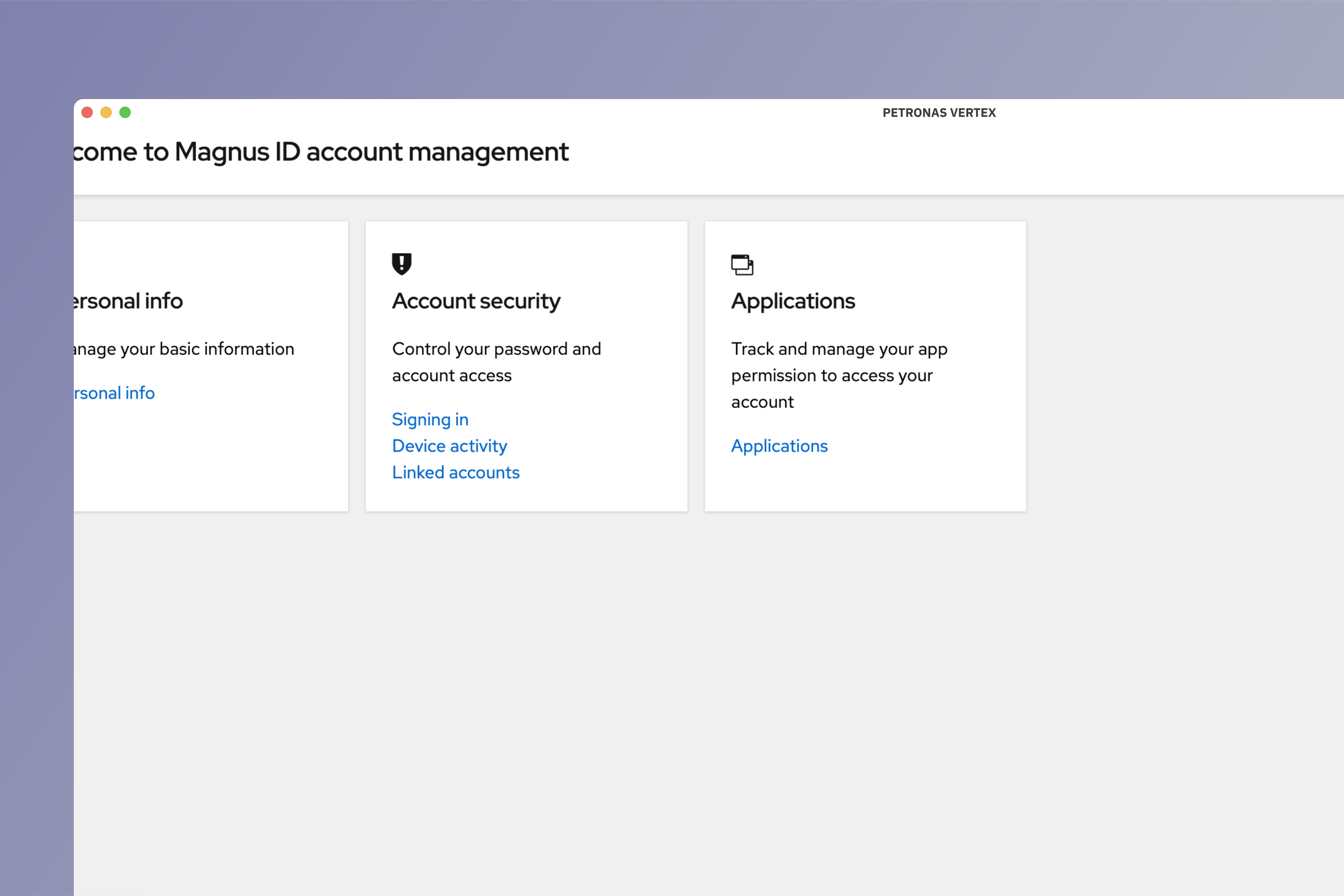
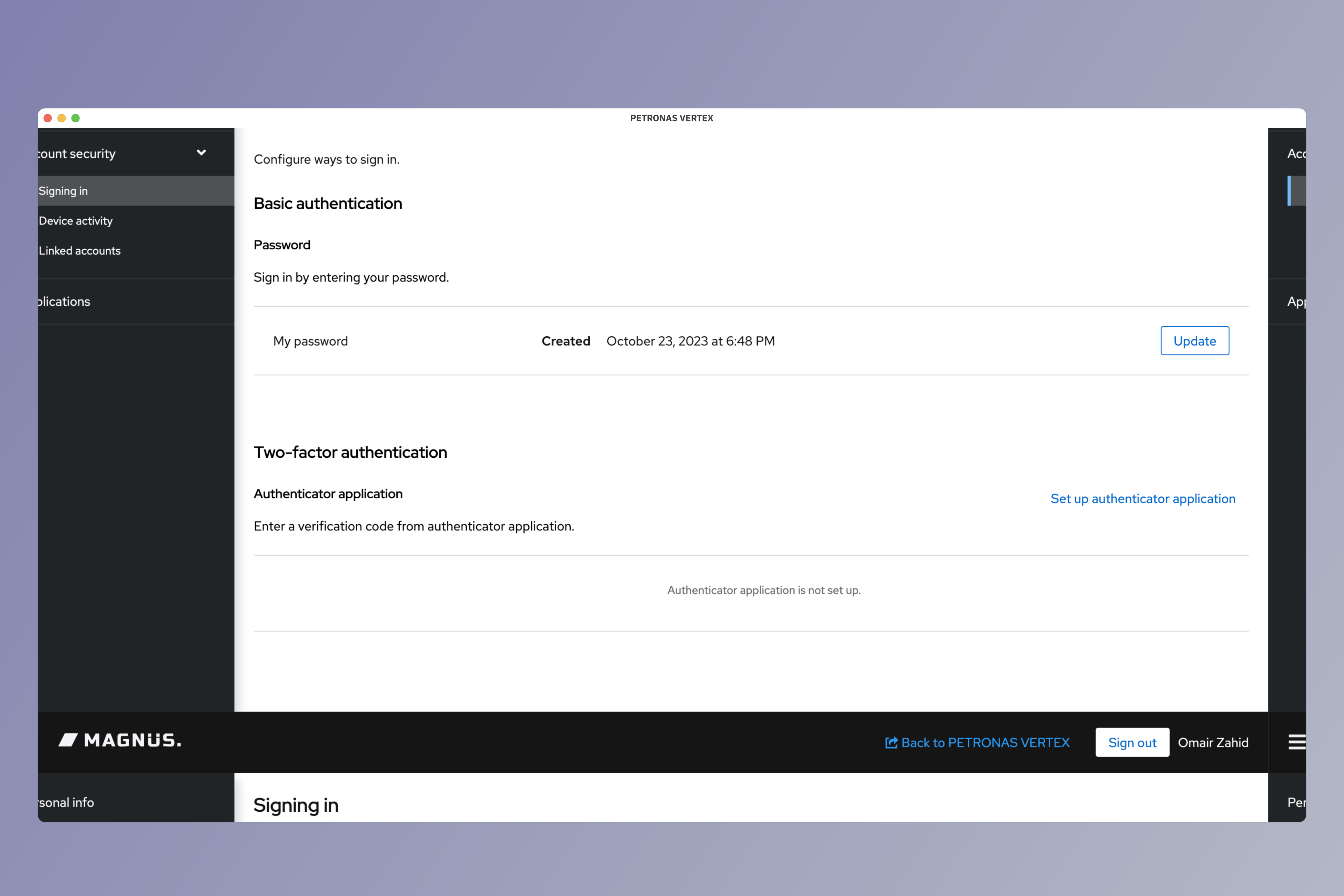
Go to signing in section
Under Account security click on signing in.
Set up authenticator
Under Two-factor authentication click on Set up authenticator application
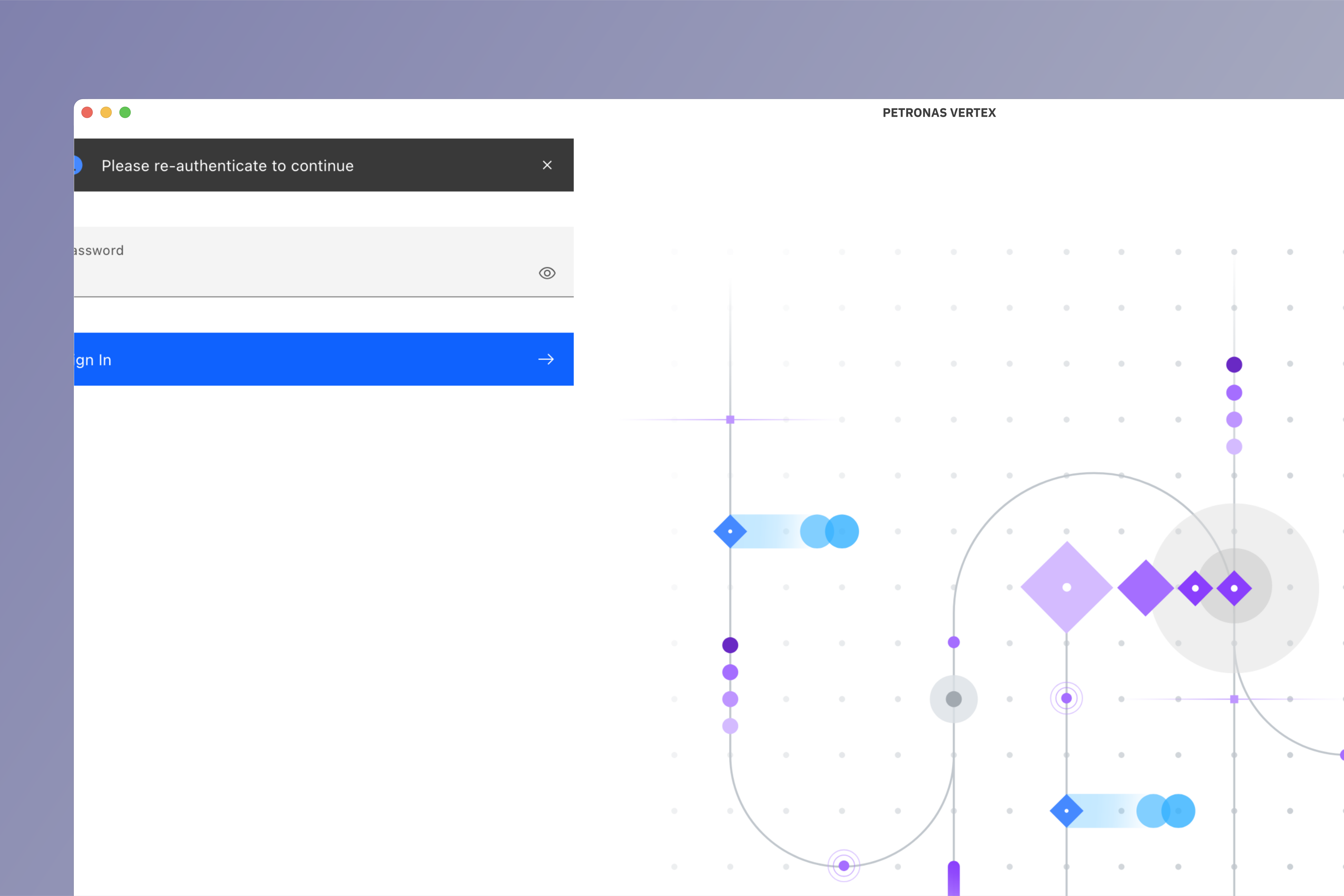
Re-authenticate
A new window will appear asking you to enter your password. Enter your password and click Sign in to confirm.
Enter one-time code
Download authenticator app and scan the QR code shown. Finish the setup on your authenticator app.
Enter One-time code from the authenticator app. Add Device name to help you manage your OTP devices.
Click Submit to finish the setup.
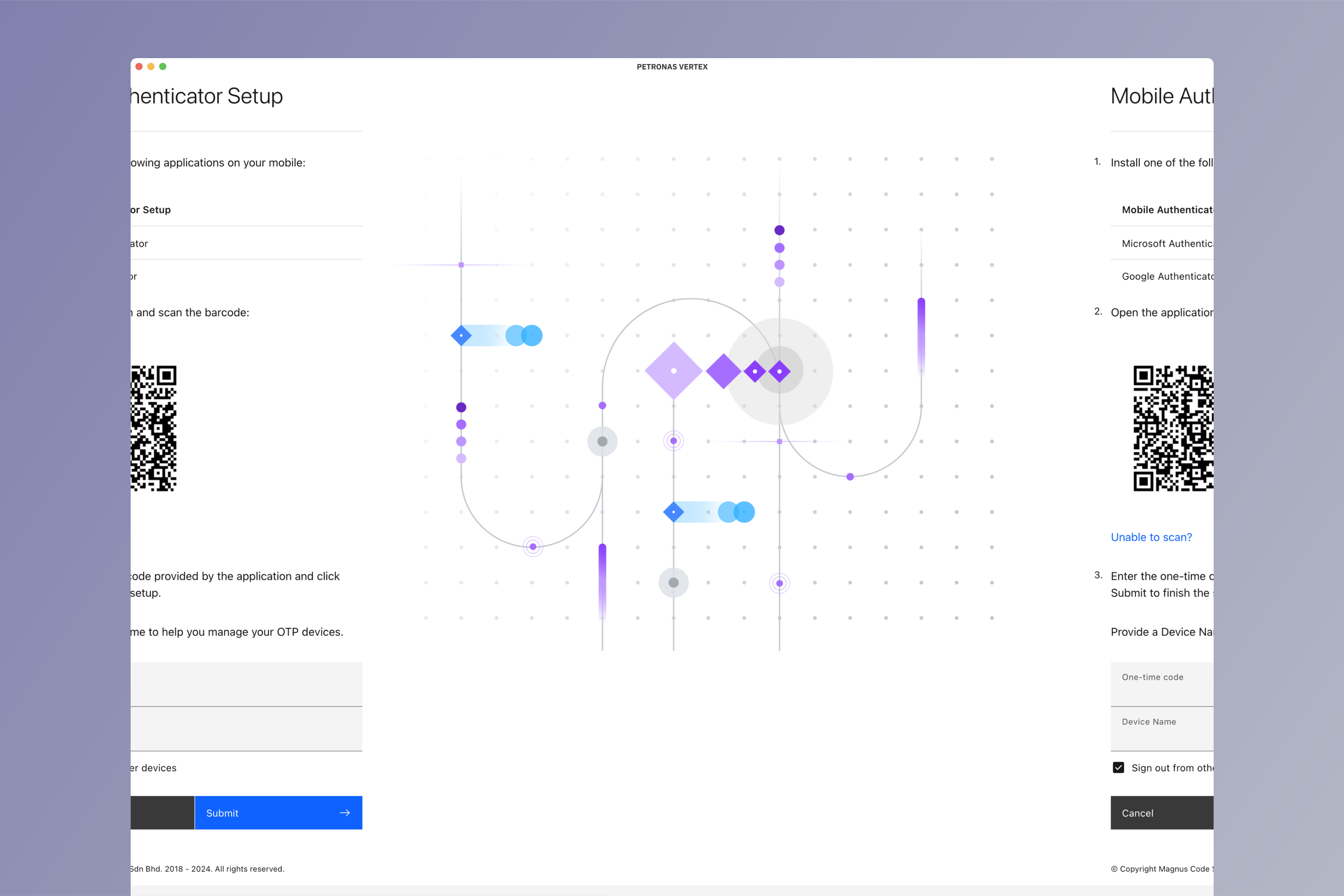
If you are unable to scan the QR code, click on Unable to scan?. You can then manually enter the security key shown.
Manage authenticator application
You can view or remove authenticator application from Signing in section under Account security.