Print Label (Scheduled Waste)
Print labels on demand for all your scheduled wastes.
Overview
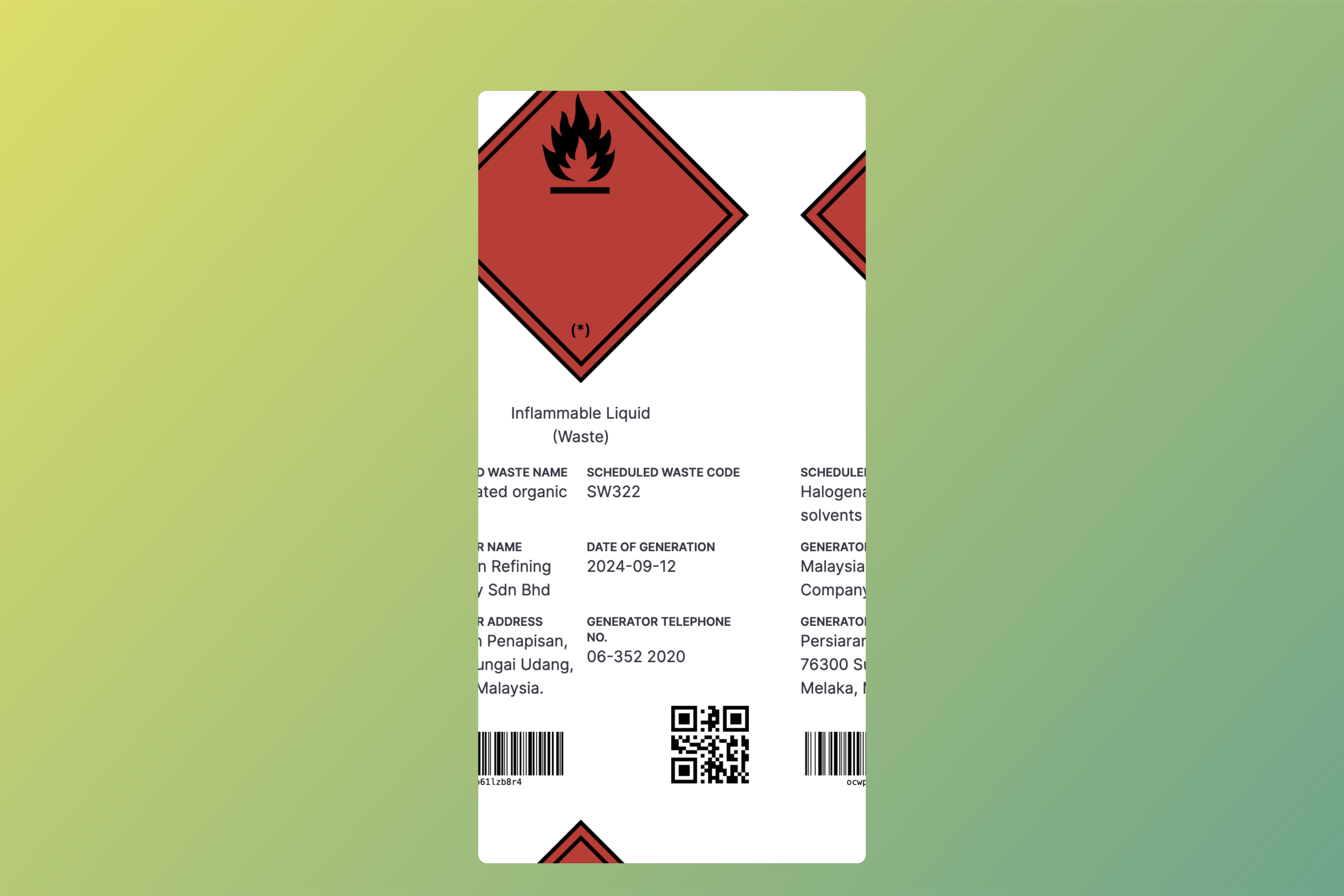
You can effortlessly manage and print labels for your scheduled wastes directly from Vertex360. The label generation is automated as much as possible with minimal user input required ensuring that every scheduled waste is correctly tagged with the necessary information.
Users are only required to select the 'date of generation' and print as many labels as they need. CUID (Collision-resistant Unique Identifier) will be automatically generated for each label and shown as both QR code and barcode.
Printing labels
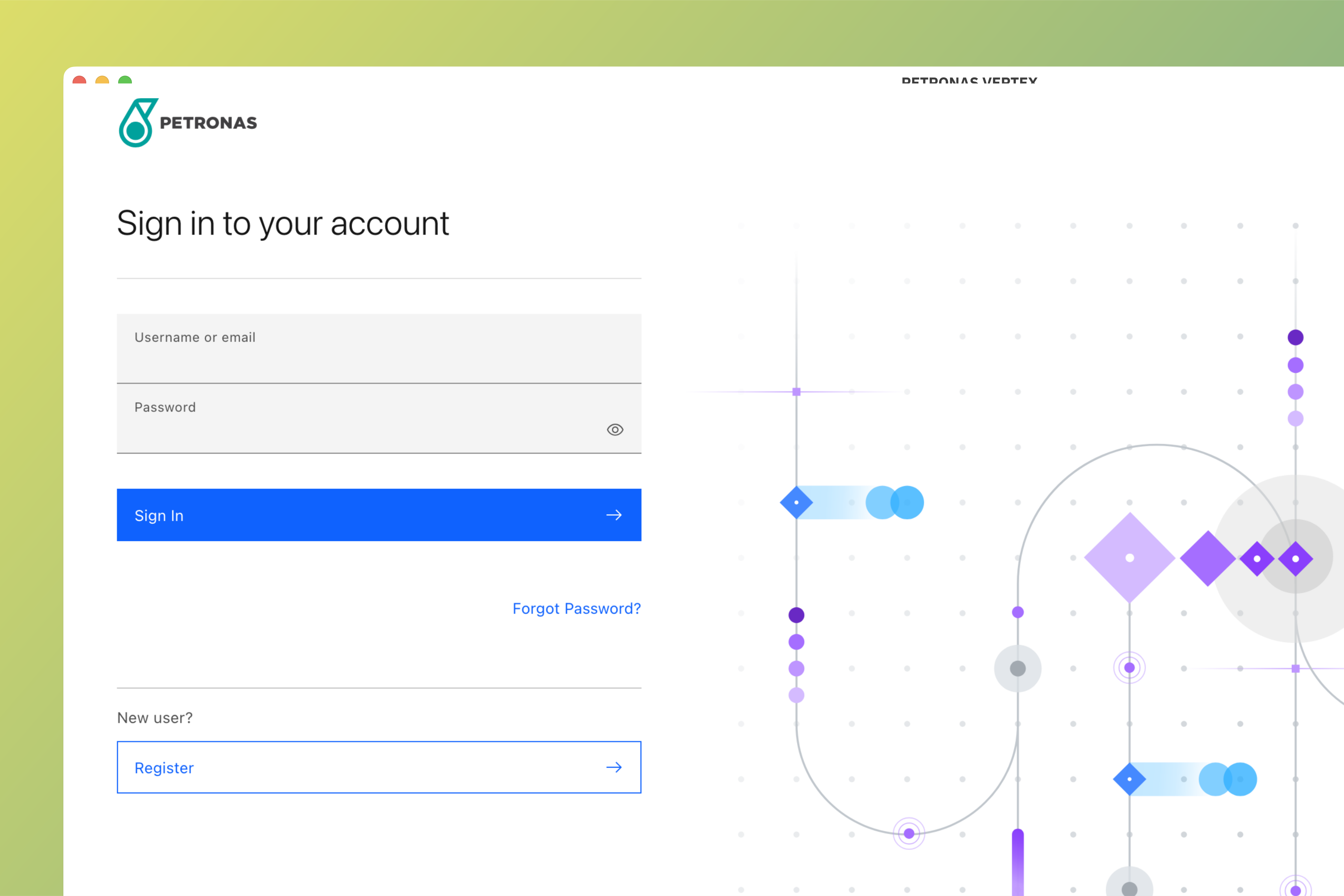
Login to Vertex 360
Login to Vertex 360 using your credentials.
Choose scheduled waste
At the home page, select Scheduled Waste and choose scheduled waste label that you would like to print. Alternatively
you can search for waste code or waste name in the search bar.

Add details
Enter date of generation for the scheduled waste and select quantity of label to be printed. Click print to confirm.
Date of generation reflects the date when scheduled waste is generated and will be used as basis for compliance with waste disposal regulations.